 Yipkin
A MakeInfluencer alternative with no training step.
MakeInfluencer trains a character before you start. On Yipkin you pick a face and start making pictures right away.
4 free pictures to start. No card.
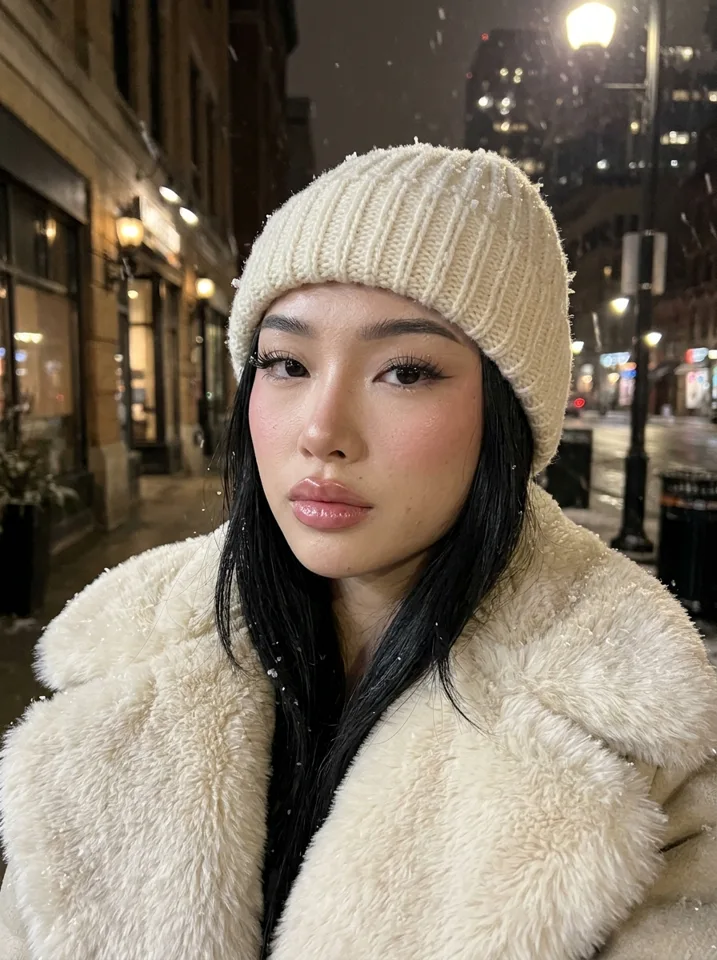
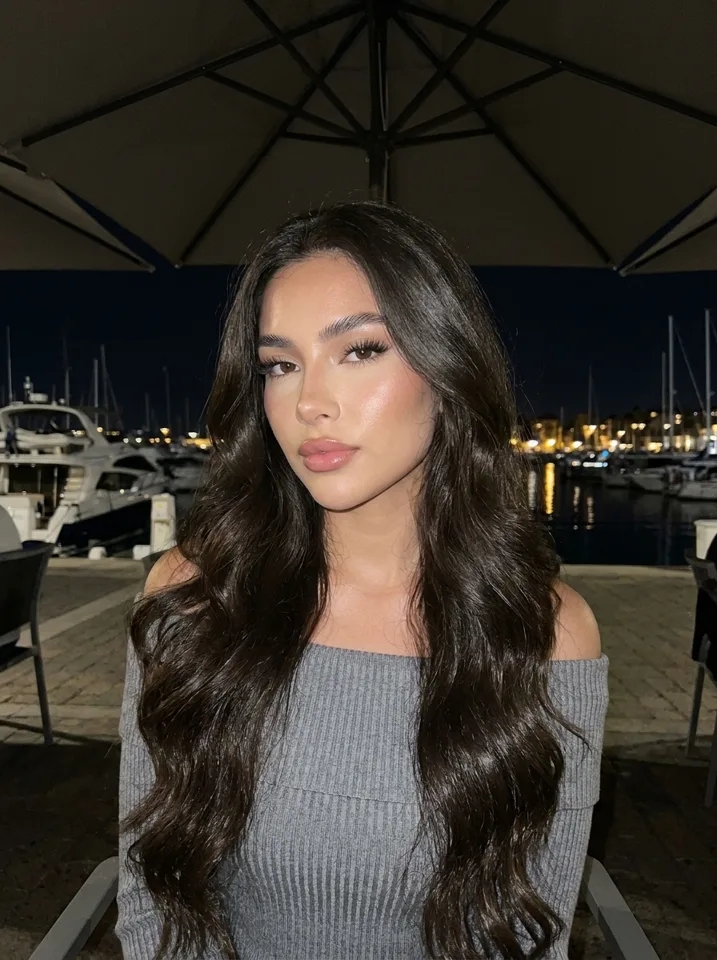
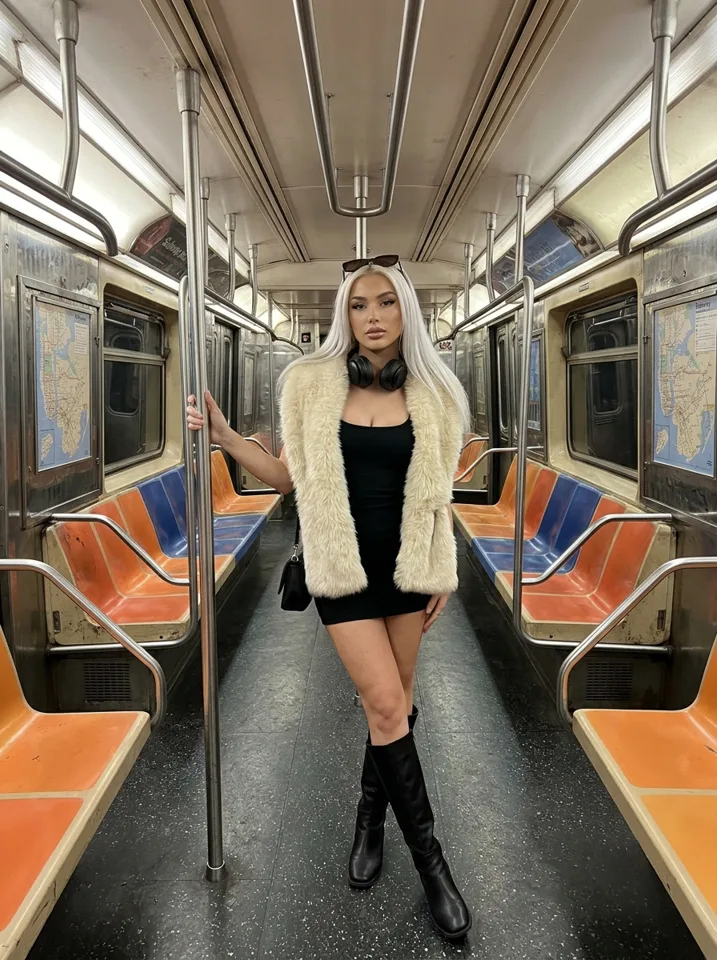
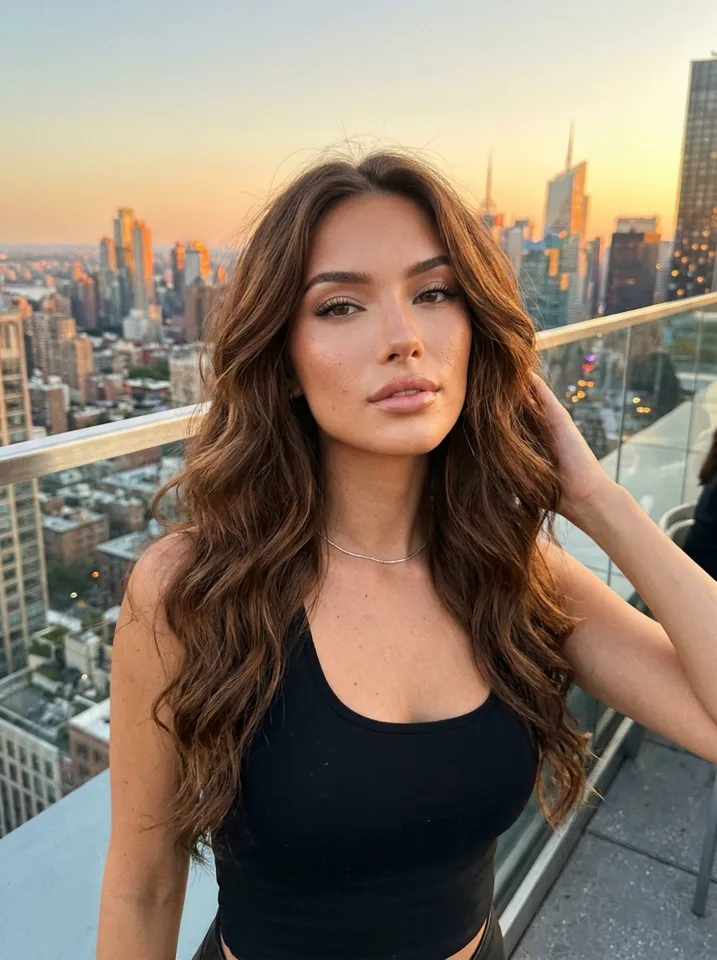
Side by side
| Yipkin | MakeInfluencer | |
|---|---|---|
| Cheapest plan | $19 a month | $39 a month (Creator) |
| Free start | 4 pictures + first influencer, no card | Free to sign up, no free plan |
| Keeping the face | Pick a face, locked from the first picture | See their pricing page |
| Prompts | None needed, you tap | Start from an idea, script or product photos |
| Video | Yes | Yes |
MakeInfluencer facts from their pricing page, checked 2026-11-08. Prices change; check theirs before you decide.
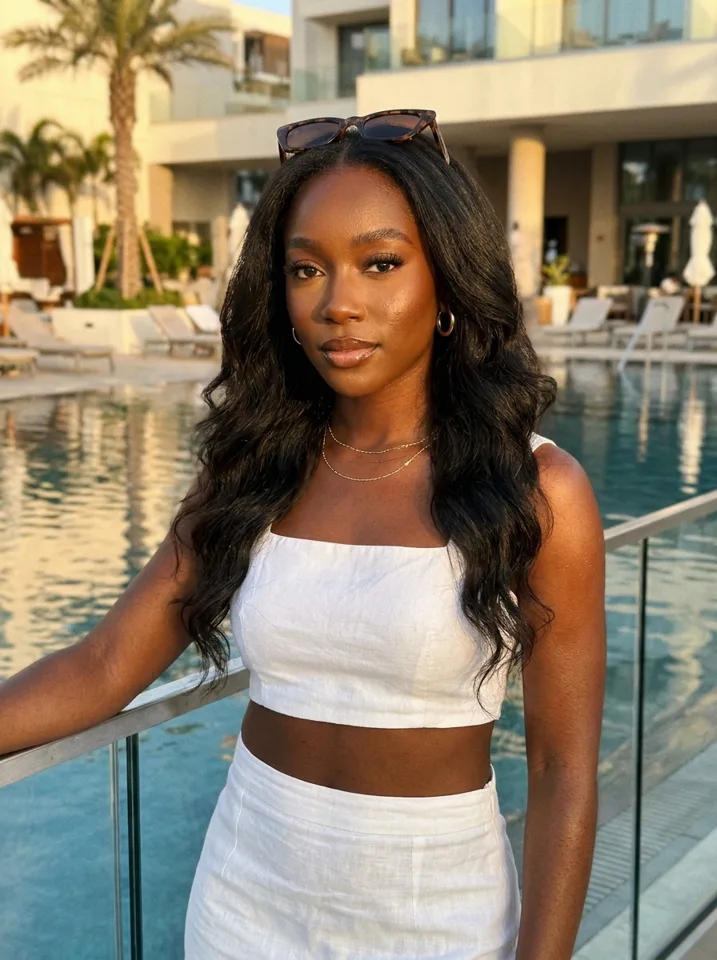
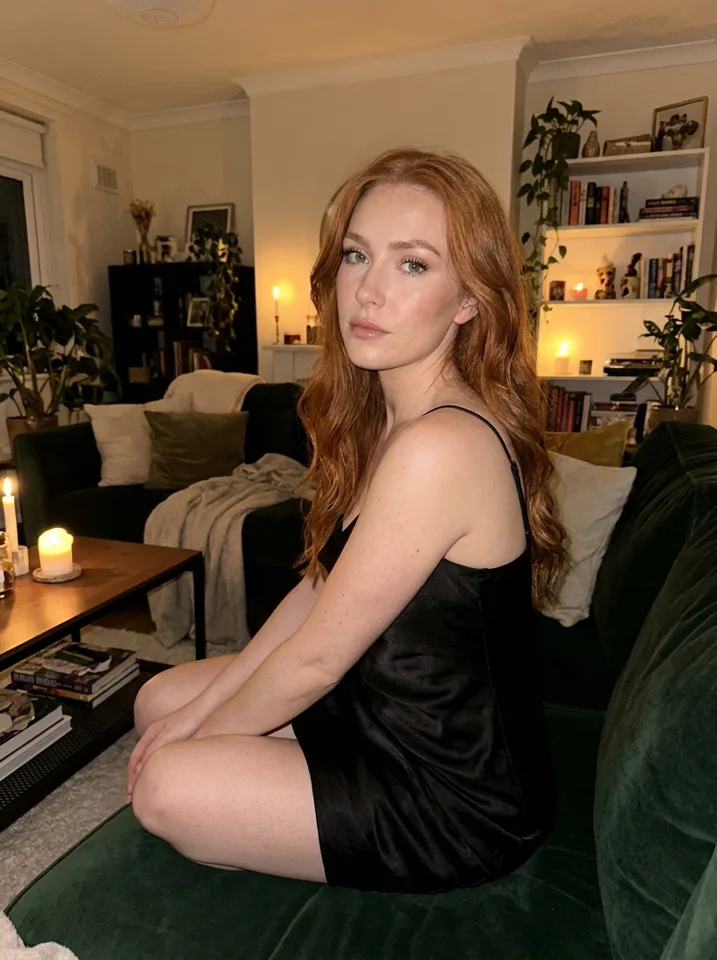
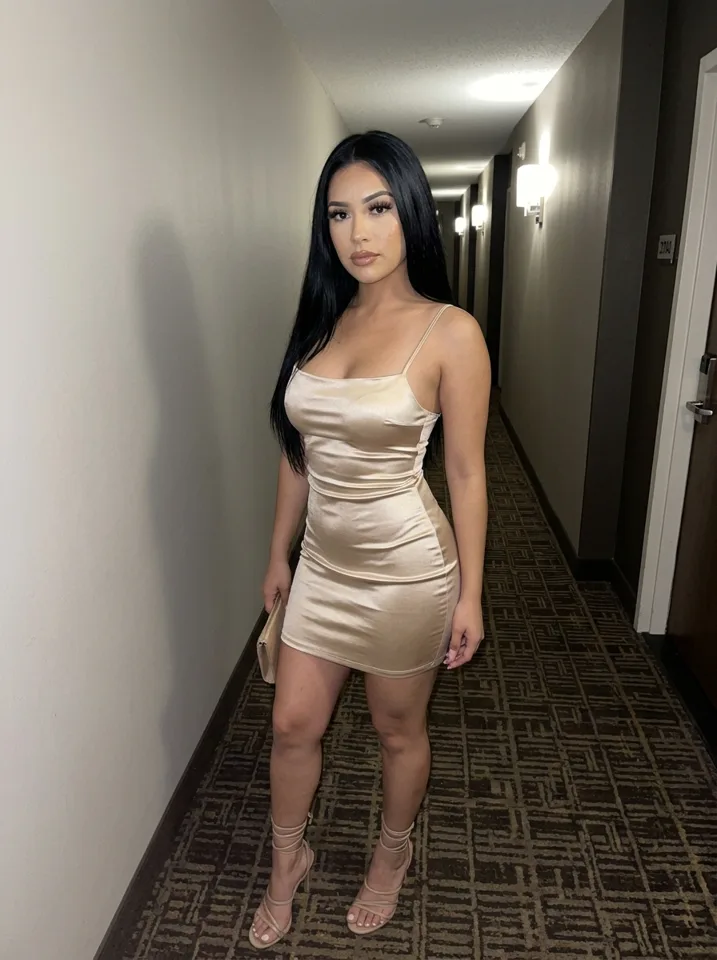
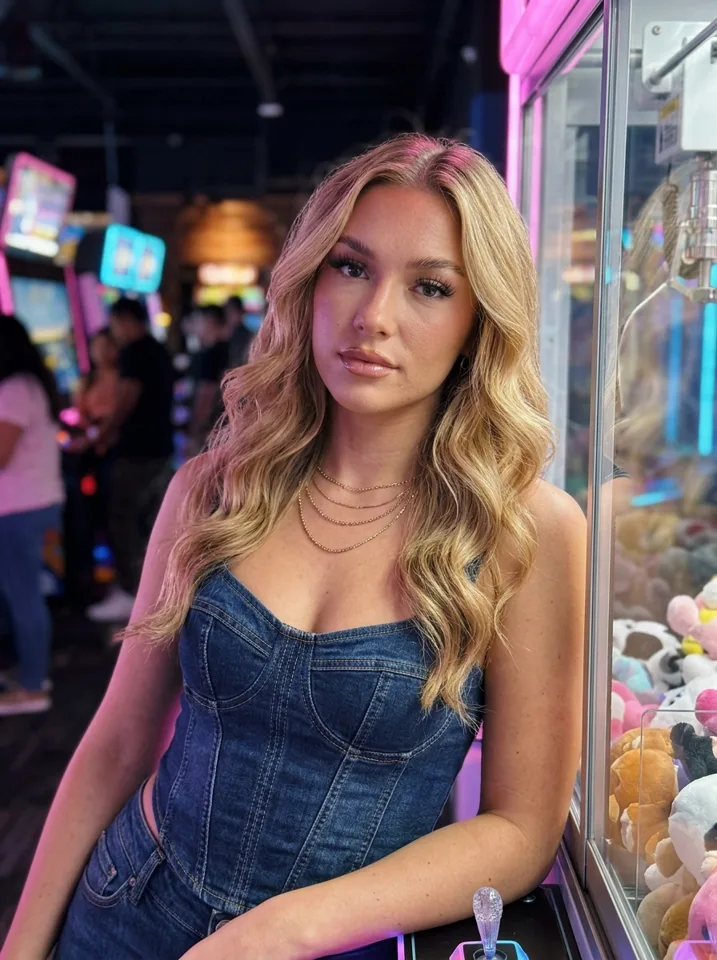
Made on Yipkin
Who should pick which
Yipkin is built for one thing: an AI influencer whose face stays the same in every selfie and clip, with nothing to train first. Make 4 free pictures and judge for yourself.
How to switch from any AI influencer tool to Yipkin
Switching sounds like work, but you are not moving a library, you are moving an idea. Write down who your influencer is: name, age, niche, city, the look you want. Then open Yipkin and rebuild her by tapping. It takes a few minutes, and your first influencer is free.
Do not delete anything at the old tool until the new one has passed your own test. Keep both going for a week if you can.
A first-week plan on Yipkin
Day 1: design
Tap through age, hair, skin and style and pick the face. Make four test pictures.
Day 2: compare
Put the four side by side. If they look like one person, go on.
Day 3: build a set
Make a dozen pictures in different places, with different light.
Day 4: make clips
Turn two of your best pictures into short videos. The price shows before each one.
Day 5: open the page
Write the bio, add the first posts and use the AI label where a network asks.
Day 6: post
Put up one picture and one story. Keep the same time each day.
Day 7: review
Look at what worked. Make more of that next week.
What to check in any AI influencer tool
Does the face hold?
Ten pictures, ten places. Compare picture 1 and picture 10.
What does it cost to start?
Is there a free start, and does it need a card?
How does it keep the face?
A face you pick, or a step you must run first?
What happens when a picture fails?
Do you pay for pictures that do not come out?
Is there a watermark?
Check before you build a page on the pictures.
Do you need to write prompts?
On Yipkin, no. You pick the scene and Yipkin writes the prompt. You can still type your own when you want a very specific picture.
What Yipkin costs
After the free start (4 pictures, first influencer, no card), Starter is $19 a month for about 55 pictures. Creator is $49 for about 150. Studio is $129 for about 415. Yearly billing is 20% off. A second influencer costs about one and a half pictures. See AI influencer cost for more.
Safe-for-work only
Yipkin makes safe-for-work pictures and short clips only. Every influencer is a fictional adult. Real people are allowed only with their permission and only if they are 18 or older. Famous people are refused. If your page needs anything else, Yipkin is not the tool.
Next steps
To compare a second tool the same way, read the TheInfluencer.ai alternative page. To start from the beginning, follow create an AI influencer.
Questions to ask before paying for any AI influencer tool
- What do I get for free? Try the face before you pay.
- What does the first month really cost? Add up the plan and anything extra for video.
- Can I leave? Check how cancelling works.
- What does it do when something fails? On Yipkin, failed pictures and videos refund the credits.
A simple way to decide
Give yourself one hour. Spend half of it on Yipkin and half on the other tool. Make a face, make eight pictures, look at the pictures side by side. Whichever tool you would post tomorrow is the one to keep. Do not decide from a feature table, including the one on this page.
What to prepare for the test
A niche
So both tools get the same brief.
A look
Write the age, hair and style in one line.
Four scenes
Home, street, gym, night out.
A rule
Decide in advance what counts as a pass: same face in all eight.
How to move your posting over without a gap
Make a buffer first
Before you switch, make a week of pictures on Yipkin so the page never goes quiet.
Post the new ones next to the old
Mix them for a few days. If followers notice no change, the face matches.
Match the look
Use the same hair, style and kind of scene you used before.
Retire the old tool last
Cancel only after the new pictures have been live for a week.
What a good first set looks like
A good first set has ten to twelve pictures. Two or three close-ups, two or three full-length shots and the rest in everyday places. Light should change from picture to picture: window light, noon sun, evening warmth. Put them in a grid and squint. If the grid reads as one person living one life, the set is good.
Scenes to use in your first test
Pick scenes that are easy to compare. A kitchen in morning light. A city street at noon. A gym mirror. A restaurant table at night. Four different lights and four different backgrounds are a hard test of a face. If she holds in all four, she will hold in the ordinary run of a page.
When to stay where you are
If your current tool keeps the face steady, fits your budget and does what you need, there is no rule that says you must move. The aim of a test is to know, not to switch. Yipkin is free to try, so the test costs you little either way.
Questions
Do I have to write prompts?
No. You tap what you want and Yipkin writes the prompt for you. You can still type your own if you like.
Will the face stay the same?
Yes. You pick one face when you design your influencer, and every picture and video after that uses it, in any scene.
Is it free to start?
Yes. A new account gets 4 free pictures with no card, and your first influencer is free on top. Paid plans start at $19 a month.
What if a picture or video fails?
You get the credits back. You only pay for pictures and videos that are made.
How do I switch to Yipkin from another tool?
Write down your influencer's name, niche and look, then rebuild her by tapping. Your first influencer is free, and you can keep your old tool running until the new one passes your test.
Does Yipkin work on a phone?
Yes. It runs in a web browser on a phone or computer. There is no app-store app.
What does Yipkin cost after the free start?
Starter is $19 a month for about 55 pictures, Creator is $49 for about 150 and Studio is $129 for about 415.
Does Yipkin add a watermark?
No. Yipkin adds no watermark to your pictures.
What should I do first with Yipkin?
Design a face, then make four pictures in four scenes and compare them.