 Yipkin
Create your AI influencer in 3 steps.
You do not need design skills, prompts or a powerful computer. Here is the whole process, start to first post.
4 free pictures to start. No card.
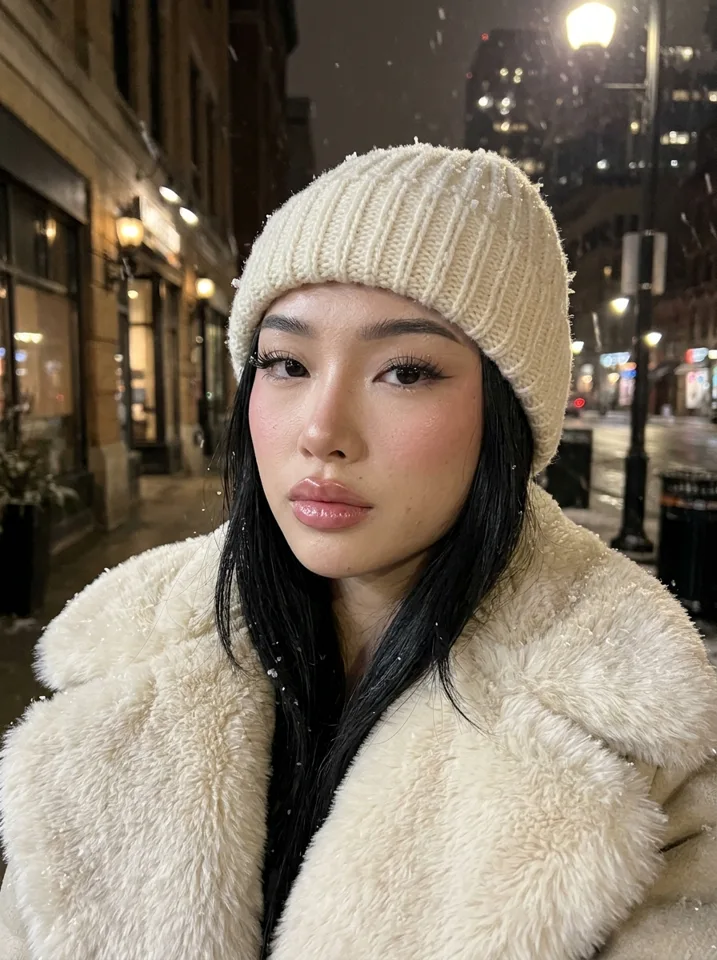
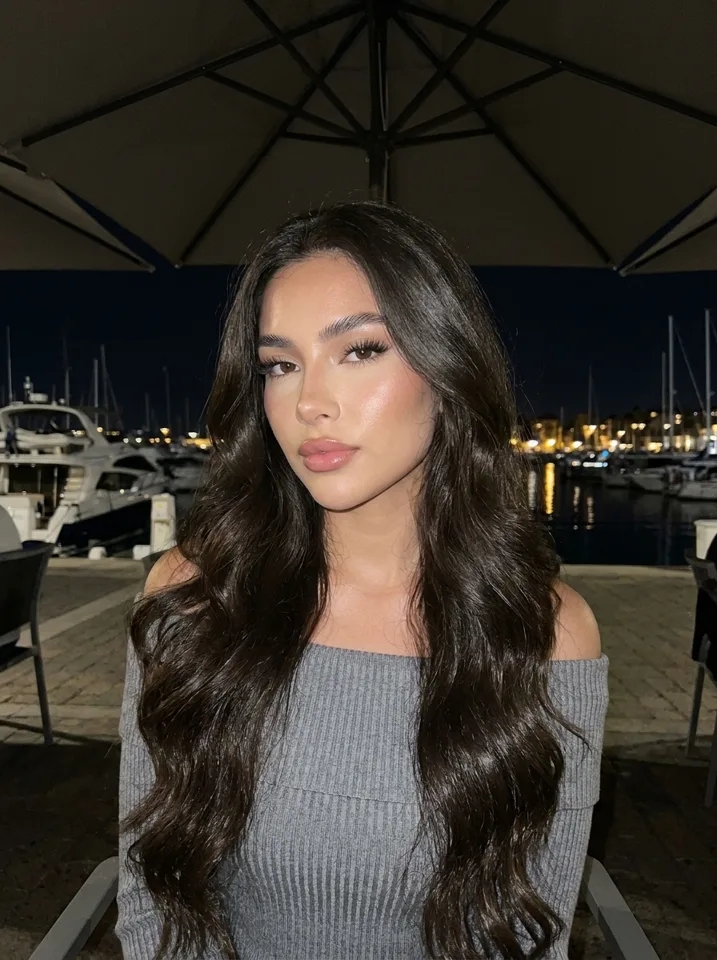
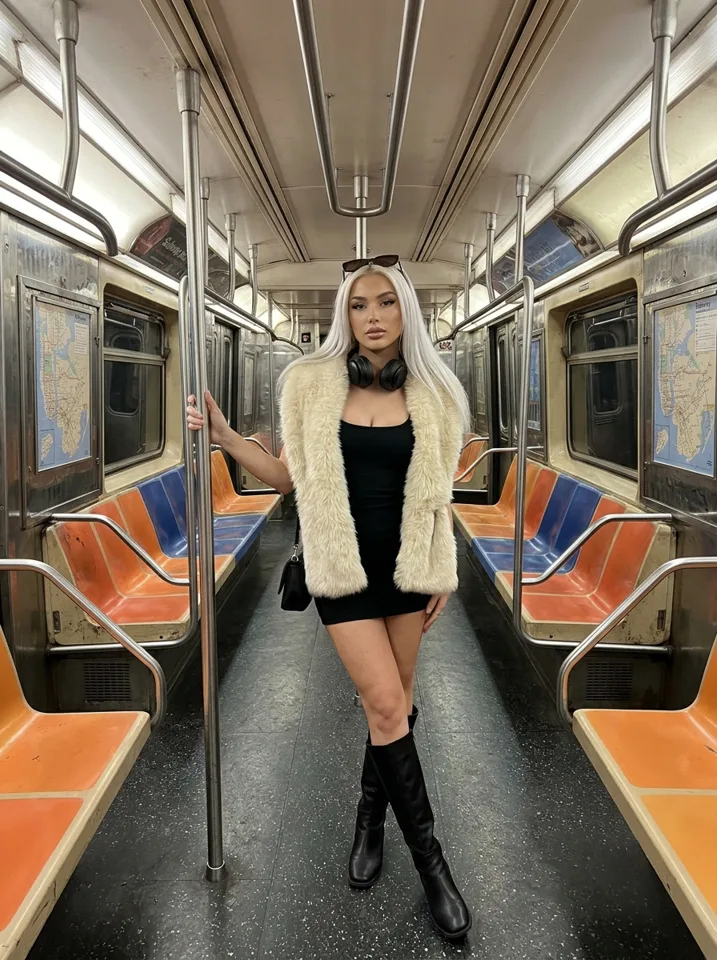
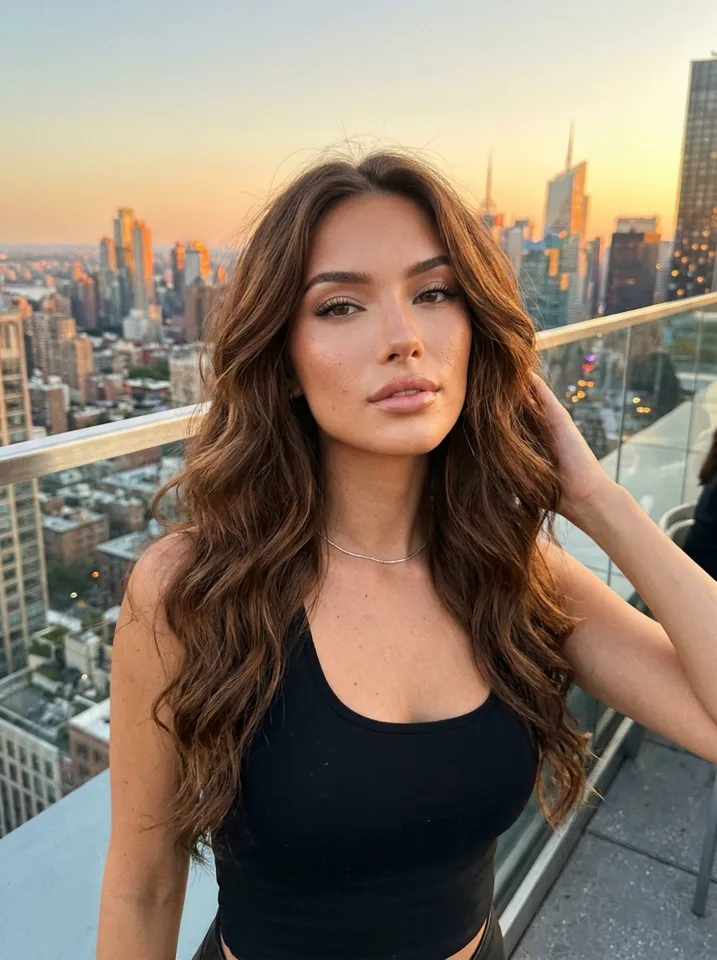
The 3 steps
Design the face
Pick gender, age, hair, skin and style. Choose the face you like from the options. Your first influencer is free.
Pick a scene
Tap a place and an activity. Yipkin writes the prompt, adds the outfit and the light.
Make photos and clips
Make photos in any scene. Make a short video clip from any photo with the same face.
Before you start
- Pick a niche. Fitness, travel, fashion, gaming, nightlife. A clear niche makes it easier to grow.
- Give her a story. A name, a city, a job, a few things she loves. It shapes every scene you pick.
- Decide where she posts. Instagram, TikTok, Threads, X, or a fan platform like Fanvue.
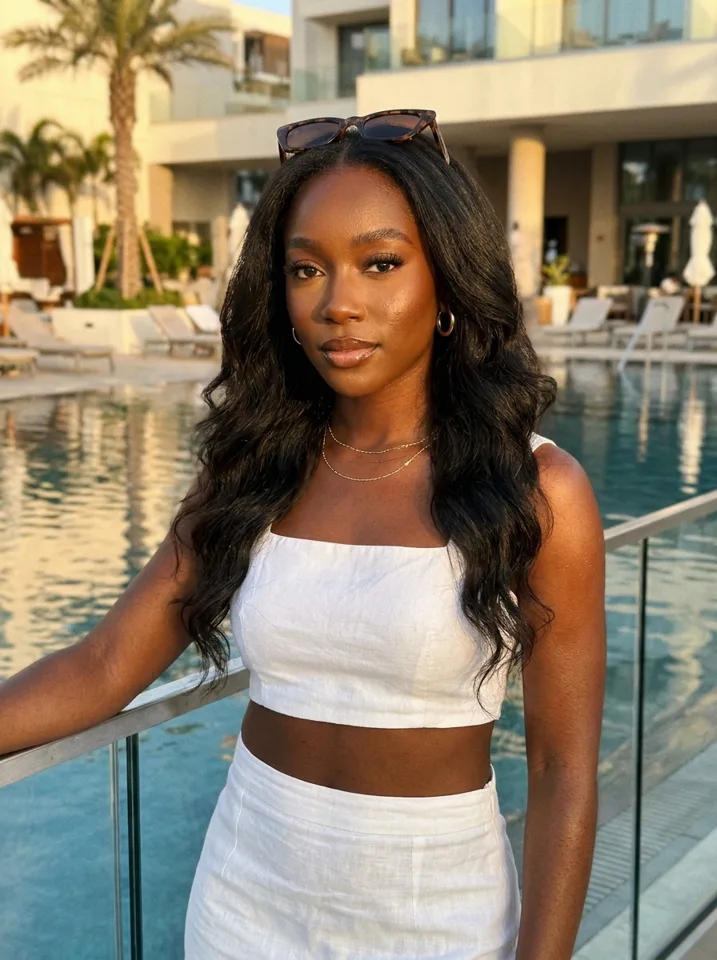
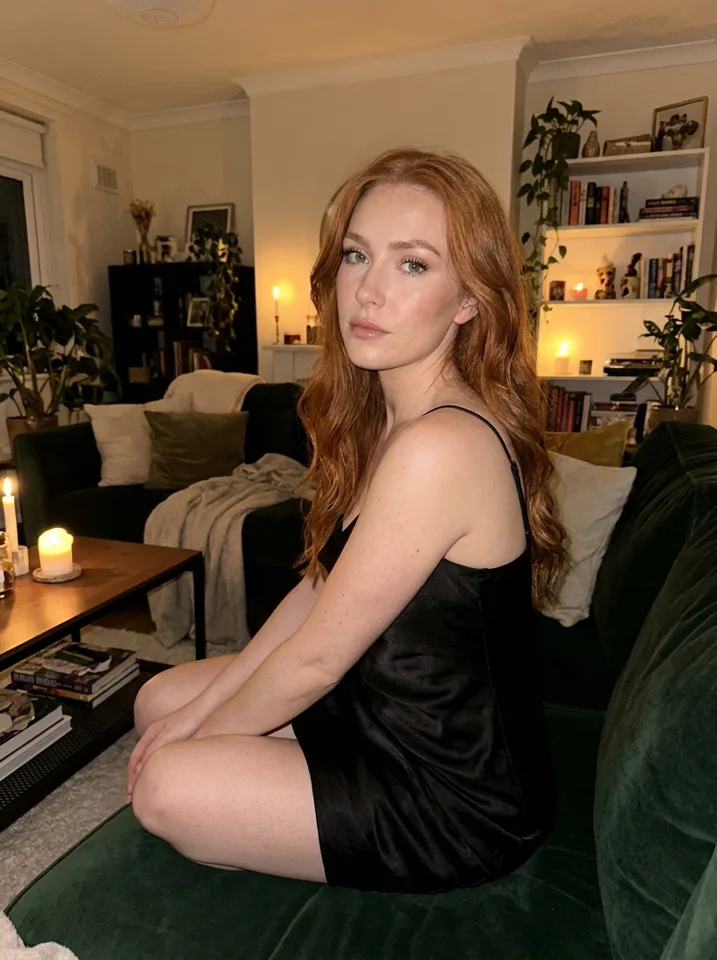
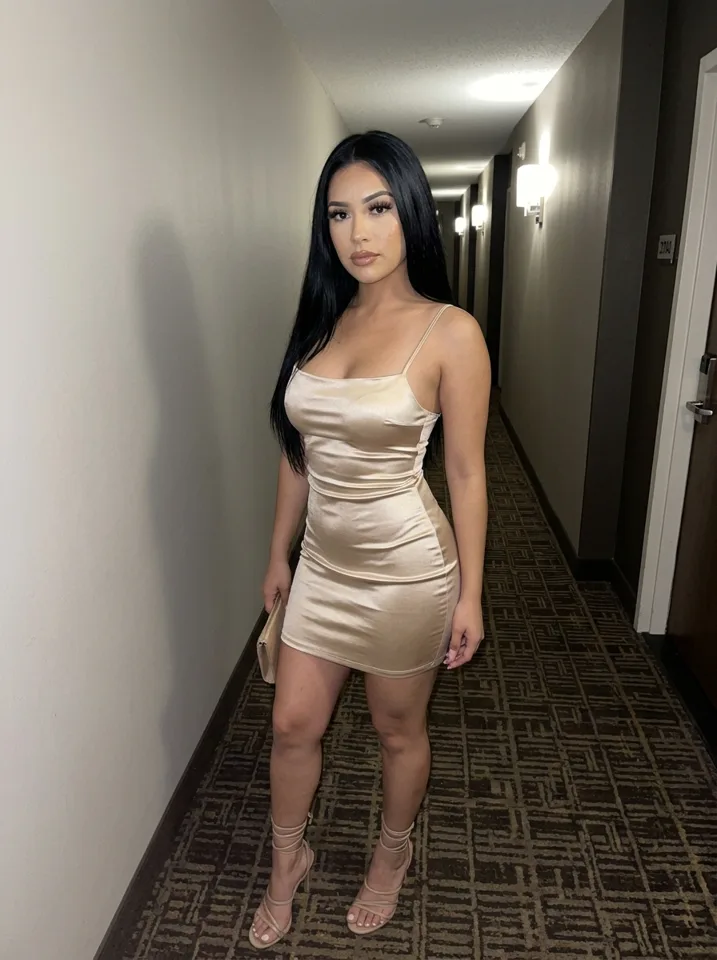
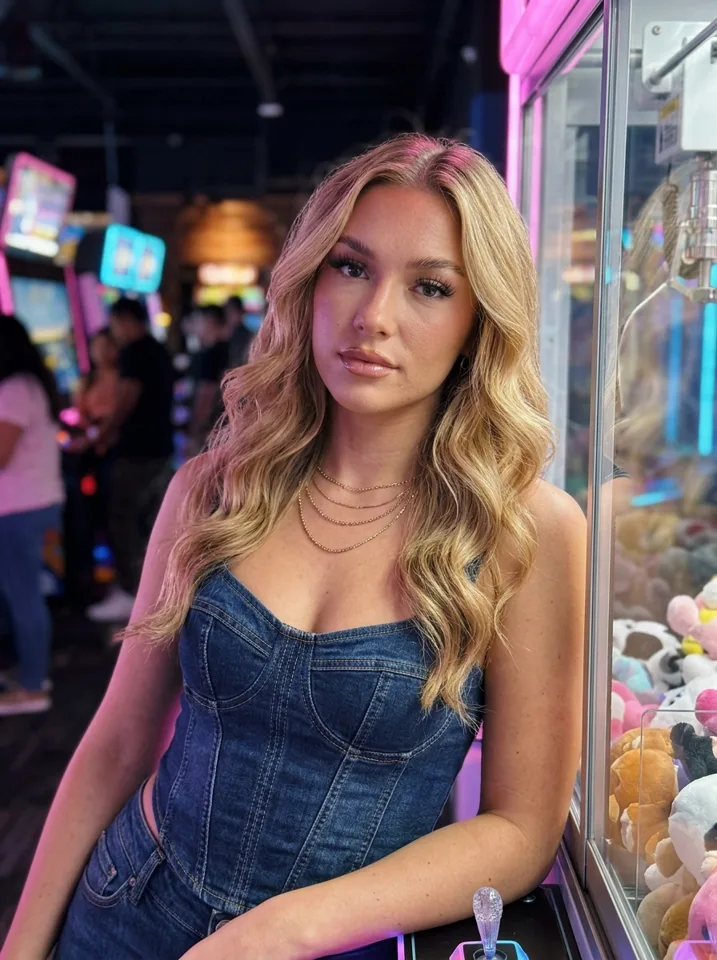
Influencers made on Yipkin
After the first post
Post every day, keep the face and style the same, and make more of whatever gets saved and shared. See the 30-day Instagram plan or the AI OFM guide.
Before you start: three decisions
Her niche
Fitness, travel, fashion, coffee and books. The niche decides her scenes and captions.
Her platform
Instagram, TikTok or Threads. Pick one to start and grow there first.
Her name and story
A first name, a city, a job or hobby. A simple story makes captions easy to write.
After the 3 steps: your first week
Make 12 pictures in different places for her first grid. Post one picture a day and one story a day. By day 4, turn your two best pictures into short clips and post them as reels. Keep the same face, the same style and the same posting time.
Common questions from first-timers
- Do I need to know AI? No. You tap choices; Yipkin writes the prompts.
- Do I need a powerful computer? No. It runs in your browser, on a phone too.
- Do I need prompts? No. You tap the face and the scene, and Yipkin writes the prompt.
How to create an AI influencer for free
You can do the whole first step at no cost. A new Yipkin account gets 4 free pictures with no card, and your first influencer is free. That covers designing her, making a few pictures and checking that the face holds. If you want more, see the free AI influencer page.
How to create an AI influencer on Instagram
Making the face is half of it. The other half is the page. Open a new Instagram account in her name, add a short bio and fill the grid with about a dozen pictures. Use the AI label where Instagram asks for it. Then post one picture a day. The AI Instagram model guide has a day-by-day plan.
How to create an AI influencer for TikTok
TikTok likes short clips. Start with the face and a handful of pictures, then turn the best ones into short videos. Short clips come out of the same plan as pictures, and the price shows before you make each one. Post them with a caption that sounds like her.
How to create an AI influencer, step by step in more detail
Step one is the idea. Write a name, a niche and a short story. Step two is the face. Tap through age, hair, skin and style and pick the one you like. Step three is the first set. Make a few pictures in different places and check that they match. Step four is the page. Open the account, write the bio and add the first posts. Step five is the habit. Choose a daily time and stick to it.
None of this needs prompts. Yipkin writes them for you, and you can still type your own.
What to prepare before you start
A niche
One clear idea makes every scene easier to choose.
A name and city
A simple story helps with captions.
A posting slot
Pick a daily time you can keep.
A plan for the rules
Read the AI content rules for each network you will use.
What to check on day one
Face check
Put four pictures side by side. Same person?
Look check
Do they look like phone photos, not studio renders?
Scene check
Are the places ordinary enough to feel real?
Safety check
Is she a fictional adult, with no real person copied?
Cost and next steps
After the free start, Starter is $19 a month for about 55 pictures. Creator is $49 for about 150, and Studio is $129 for about 415. Yearly billing is 20% off. A second influencer costs about one and a half pictures from your plan. For the plan options in detail, see AI influencer cost, or return to the AI influencer generator page.
Ideas for your first AI influencer
A fitness page
Training, meals, early mornings. Easy to repeat in new scenes.
A travel page
Airports, beaches, old streets. The face stays and the place changes.
A fashion page
Outfit checks, mirror selfies and street style.
A coffee and books page
Soft light, cafés, a notebook. A calm look that suits slow posting.
How long should the first week take?
Plan on a few short sittings, not a full-time job. The face takes a few minutes. The first dozen pictures fit in one session. After that, a daily post takes as long as writing a caption. If you batch pictures once a week, upkeep stays small.
For a longer read on what the project involves, see what is an AI influencer.
A word on pace
Pages grow over months, not days. Do not judge your first week by follower counts. Judge it by whether you shipped the posts you planned and whether the face held. Those two things you control.
Questions
Do I have to write prompts?
No. You tap what you want and Yipkin writes the prompt for you. You can still type your own if you like.
Will the face stay the same?
Yes. You pick one face when you design your influencer, and every picture and video after that uses it, in any scene.
Is it free to start?
Yes. A new account gets 4 free pictures with no card, and your first influencer is free on top. Paid plans start at $19 a month.
What if a picture or video fails?
You get the credits back. You only pay for pictures and videos that are made.
Does Yipkin make NSFW content?
No. Yipkin makes safe-for-work pictures and videos only: the everyday posts for Instagram, TikTok and the free feed of a page.
Can I make a real person?
Only with their permission, and only if they are 18 or older. Famous people and anyone who may be under 18 are refused.
Do I need to write prompts?
No. You tap the face, the scene and the outfit, and Yipkin writes the prompt for you.
Can I create an AI influencer on my phone?
Yes. Yipkin works in the phone browser, no app or download needed.
How do I create an AI influencer for free?
Open a Yipkin account. You get 4 free pictures with no card, and your first influencer is free.
How do I create an AI influencer on Instagram?
Make the face, open a new Instagram account for her, add a bio and post a dozen pictures. Use the AI label where Instagram asks.
Can I make a second influencer?
Yes. Each new influencer after the first costs about one and a half pictures from your plan.
Do I need design skills to create an AI influencer?
No. You tap choices for age, hair, skin and style. Yipkin writes the prompts. You can type your own if you want.