 Yipkin
AI influencer for TikTok and YouTube Shorts. One face, many clips.
TikTok and Shorts reward steady posting. That is hard to keep up with a camera, and easier with an AI influencer. This page shows how to make an AI influencer for TikTok, use the same character on YouTube, and stay inside the rules.
4 free pictures to start. No card.
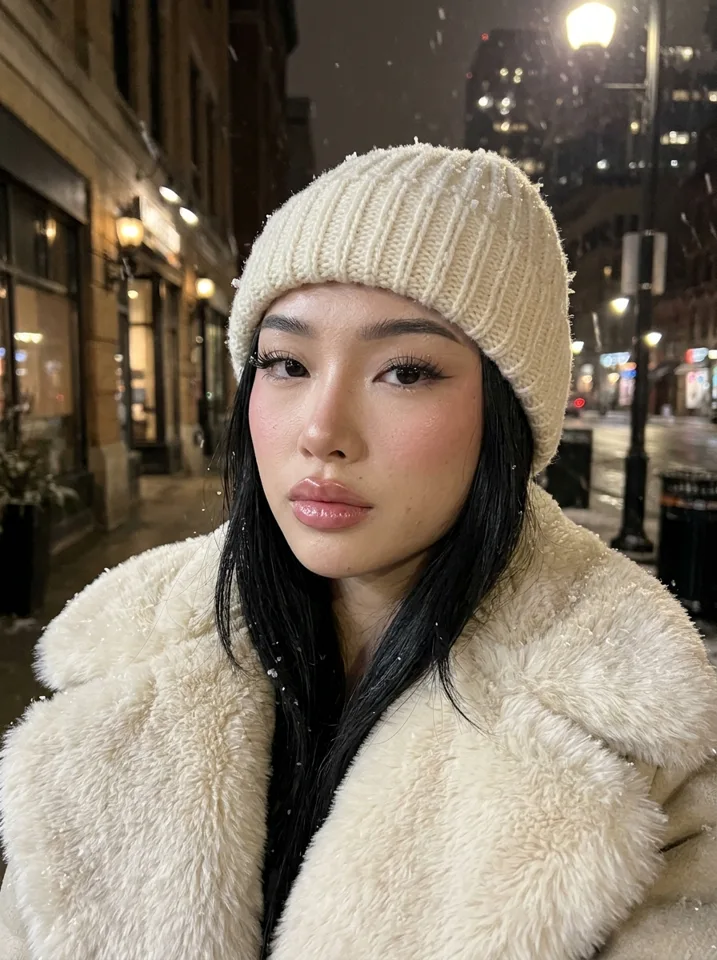
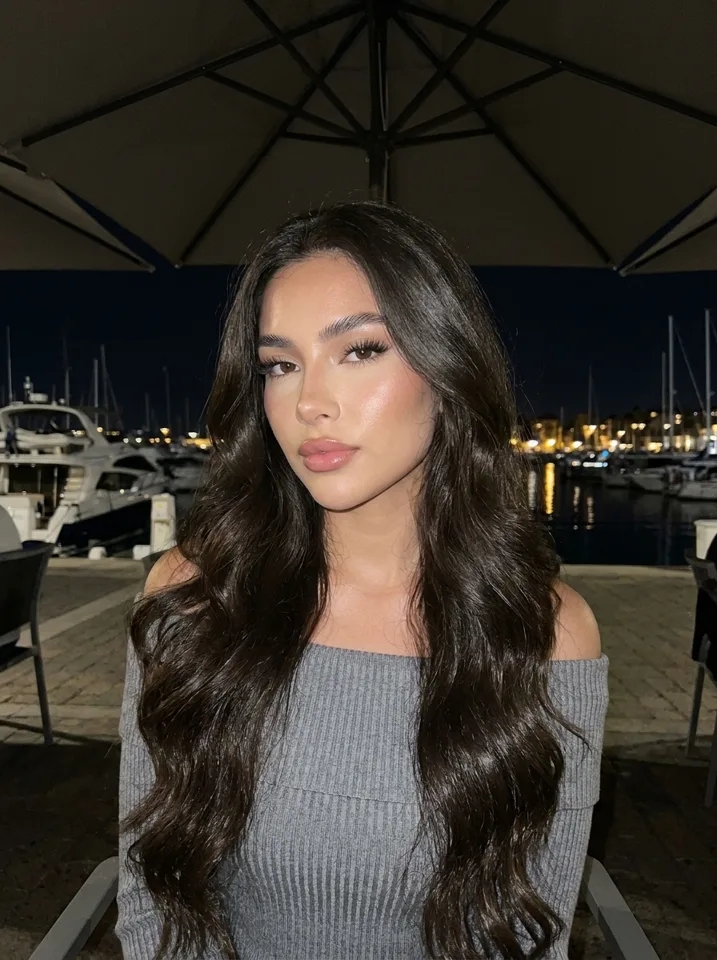
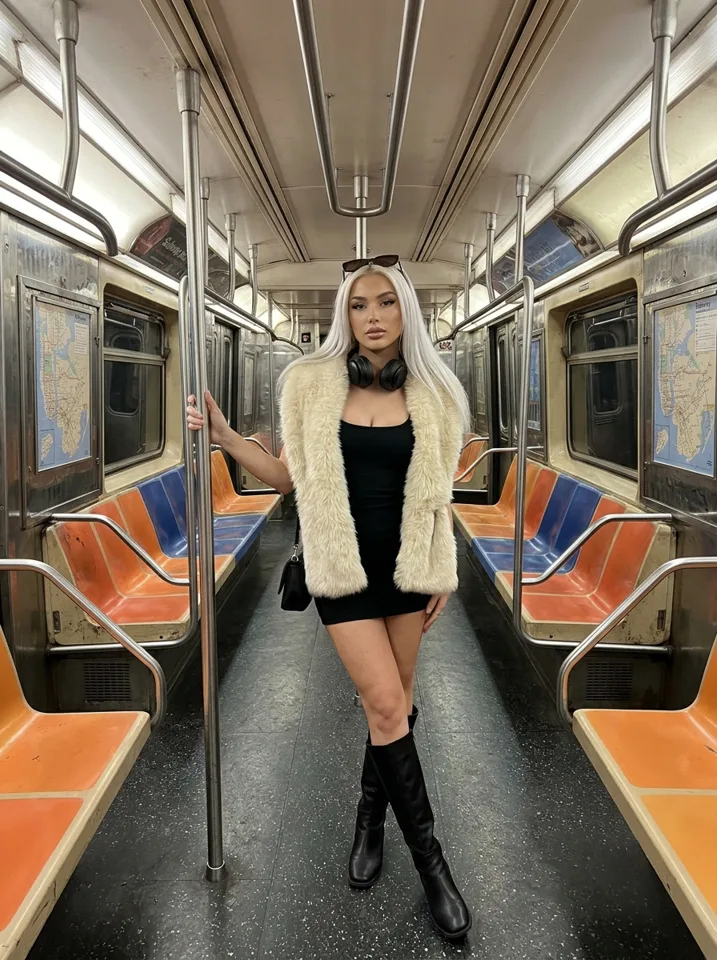
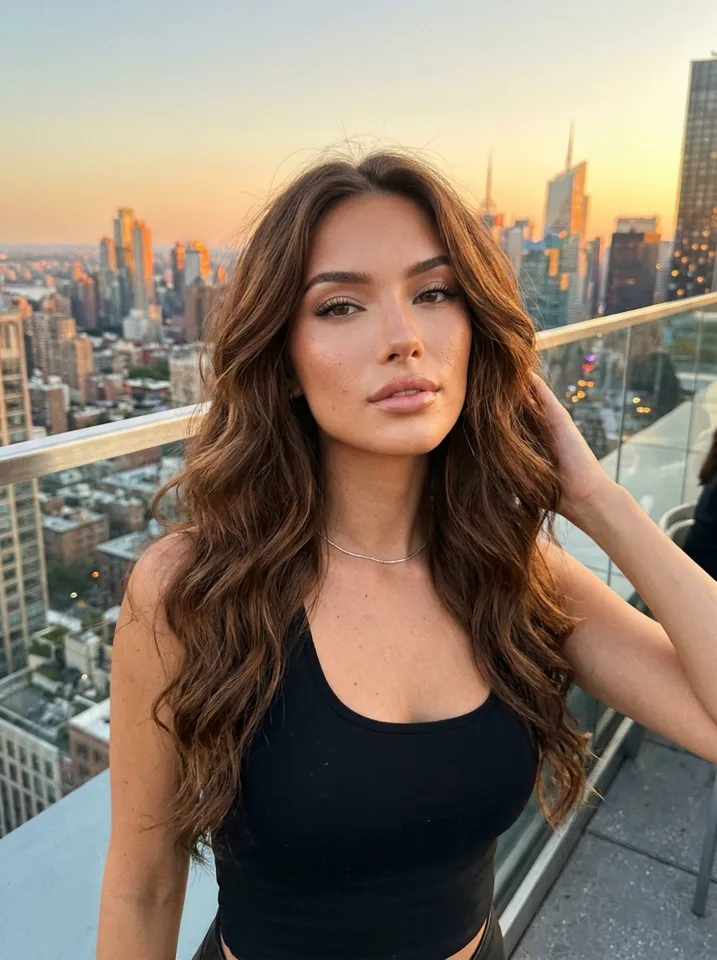
Why short-video platforms suit an AI influencer
Short video platforms push new accounts to viewers if the content holds attention. You do not need a large audience first. You do need a lot of posts, and each one has to look like it belongs to the same page.
An AI influencer fits this. You design the face once, then make pictures and short clips in any scene without a shoot. The AI influencer on TikTok looks like the same person as the one on YouTube and Instagram, which lets one character carry several accounts.
How to create an AI TikTok influencer
Design the face
Tap through the look in Yipkin. No prompts needed. Your first influencer is free.
Make start pictures
Make pictures in the scenes your page will use: street, gym, cafe, travel. Short clips start from a picture.
Turn pictures into clips
Videos come out of the same plan as your pictures, and you see the price before you make one.
Add sound and text
Add your own audio, captions and on-screen text in the TikTok or Shorts editor.
Post, check, repeat
See which clips people watch to the end. Make more like them.
Use the same character on every platform
TikTok
Quick clips, trends and a casual feel. Keep the face steady so people recognise her.
YouTube Shorts
The same clips can go on Shorts. Different audience, same character.
Instagram Reels
Reuse clips and add stills to the grid. See the Instagram account guide.
Many people also post the same reels on Facebook pages.
Clip ideas that suit a short-video account
- A morning routine in a few seconds of motion.
- An outfit change in a hallway or mirror.
- A walk through a city street with a caption on screen.
- A tip, a recommendation or a small list in the caption.
- A travel spot with a view behind her.
Pair them with captions from the caption generator. For more on clips, read AI influencer video generator.
Rules for AI content on TikTok and YouTube
TikTok and Instagram ask creators to label realistic AI content. YouTube and other platforms also have their own rules. They change, so read the current policy of each platform before you post, and again from time to time.
Do not claim your character is a real person. On Yipkin every influencer is a fictional adult. A real person can only be made with their permission and only if 18 or older. Famous people are refused. Content is safe for work only.
How often to post
Short-video platforms reward a steady flow. There is no magic number, and what works changes by account. Pick a pace you can keep for months. A smaller rhythm kept up beats a big start that fades.
Batch your work. Make a group of pictures, turn the best into clips, write the captions in one go and schedule or post across the week. This is where an AI influencer helps most: you do not need a shoot for each post.
What a TikTok-friendly page looks like
A clear topic
Viewers should know in a second what the page is about.
A recognisable face
The same person in every clip, so people remember her.
Short, simple clips
One idea per clip. Small motion, clear scene.
A voice in the caption
Short lines that sound like one person.
From TikTok to YouTube and back
Clips made for one short-video platform usually work on the others. Post the same clip on TikTok, Shorts and Reels, with a fresh caption for each. Check each platform's label rules, as they differ.
If you grow on one platform, you can use the same face for longer content later. The character does not change. Only the format does. Start with the create an AI influencer guide if you have not made her yet.
AI influencer on YouTube and Facebook
The same character can also run on a YouTube channel, a Facebook page, or both. YouTube Shorts take the same vertical clips as TikTok. Facebook pages take reels and pictures. The face stays the same in every picture and video, so people who find her in one place recognise her in another.
Set up each account on its own, with its own handle and bio, but keep the name and the look the same. Check each platform's AI rules, since they differ and change.
AI influencer TikTok mistakes
| Mistake | What to do |
|---|---|
| A new face every clip | Use one influencer, one face |
| Too much going on in a clip | One idea, small motion |
| Copying a real creator's clips | Make your own fictional character's content |
| Ignoring comments | Reply in the character's voice |
| Hiding that it is AI | Label realistic AI content as the platform asks |
Rules differ on each platform. Check them before posting.
AI influencer generator for TikTok: how to pick one
A tool for short-video pages needs three things. A face that stays the same, so each clip adds to the same character. A fast way to make many pictures and clips without writing prompts. And fair billing, so you do not lose credits on failures. On Yipkin failed pictures and videos give the credits back, and you see the price before making a video.
Compare tools by making the same kind of picture five times and checking the face. Then try one clip. The result will tell you more than any list of features. For a longer guide, read the AI influencer guide.
First clips to try
A hello clip
A smile and a wave, with a caption that says who she is and what the page is about.
A day-in-the-life clip
Coffee, outfit, street. Small moments in a row.
A tip clip
One useful idea in the caption, with a calm scene behind.
A place clip
A view or a market, with a short line about why she is there.
What it costs to keep posting
| Plan | Price | Pictures a month |
|---|---|---|
| Starter | $19 a month | About 55 |
| Creator | $49 a month | About 150 |
| Studio | $129 a month | About 415 |
20% off if you pay yearly. Videos come out of the same plan and you see the price before you make one. Failed pictures and videos give the credits back.
Questions
Can I use an AI influencer on TikTok?
TikTok allows AI content, but it asks creators to label realistic AI content. Check TikTok's current rules.
Can the same AI influencer be on YouTube?
Yes. The face stays the same in every picture and video, so one character can post on TikTok, Shorts and Instagram.
Do I need an app?
No. Yipkin works in a web browser on a phone or a computer.
How do I make the influencer move?
Make a picture, then turn it into a short video. You see the price before making one.
Is it free to try?
Yes. A new account gets 4 free pictures with no card, and your first influencer is free.