 Yipkin
How to create an AI influencer Instagram account. Step by step.
You have an idea for an AI influencer, or you already made one. Now you need the account. This page walks through how to create an AI influencer Instagram account: the face, the profile, the first posts and the rules.
4 free pictures to start. No card.
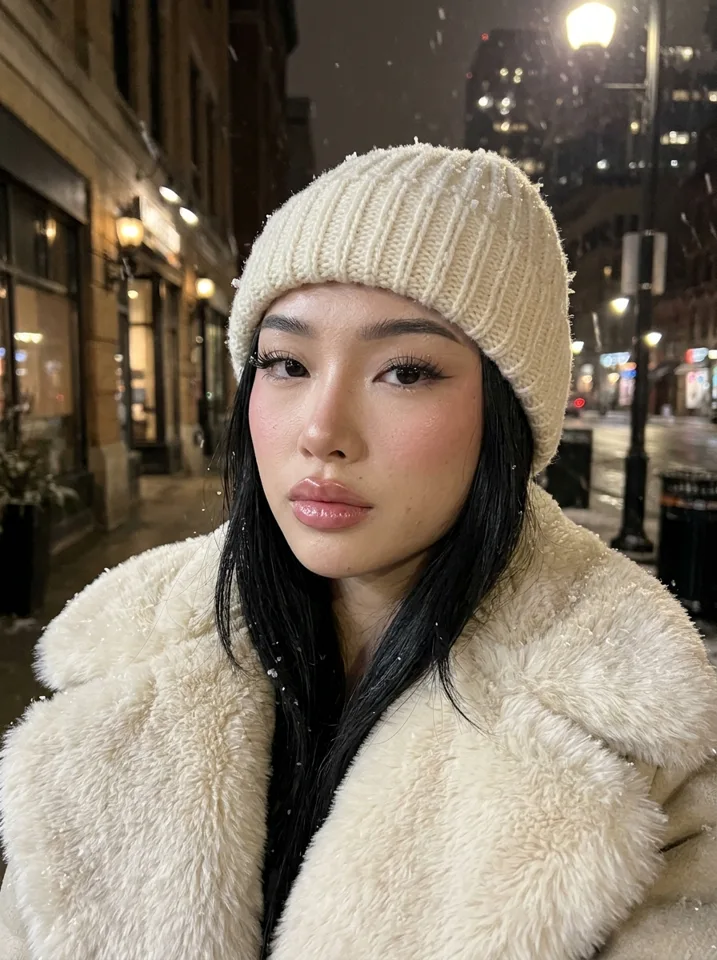
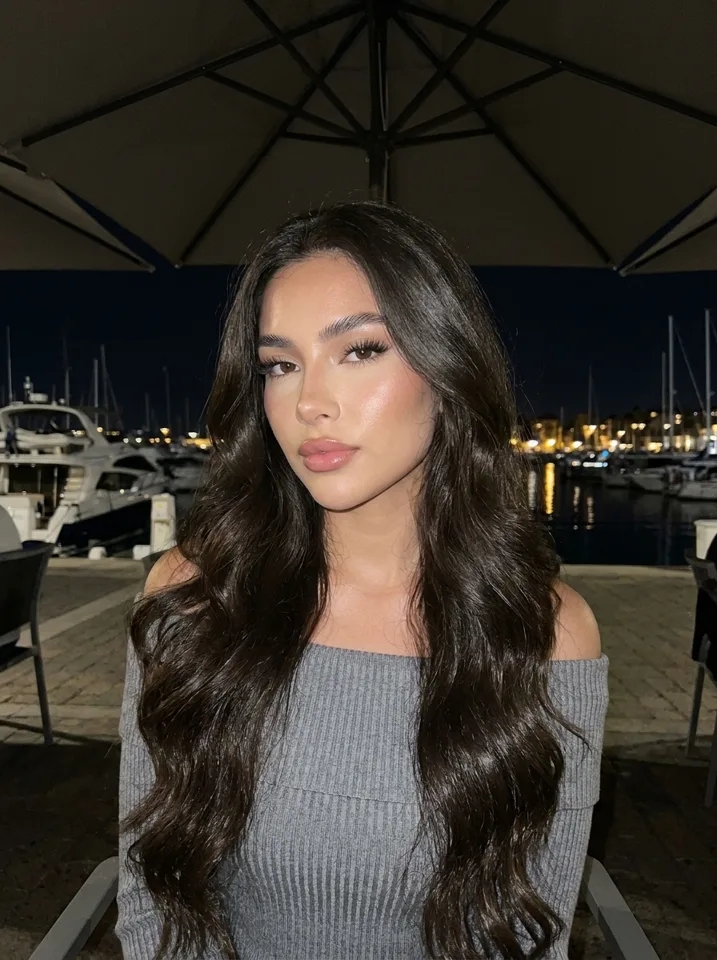
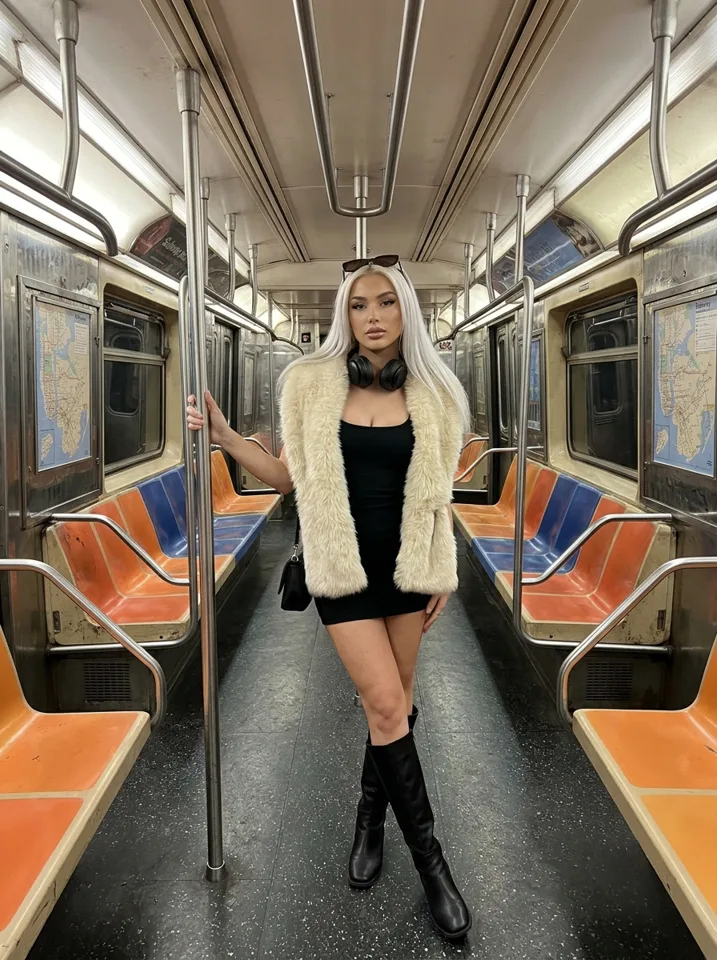
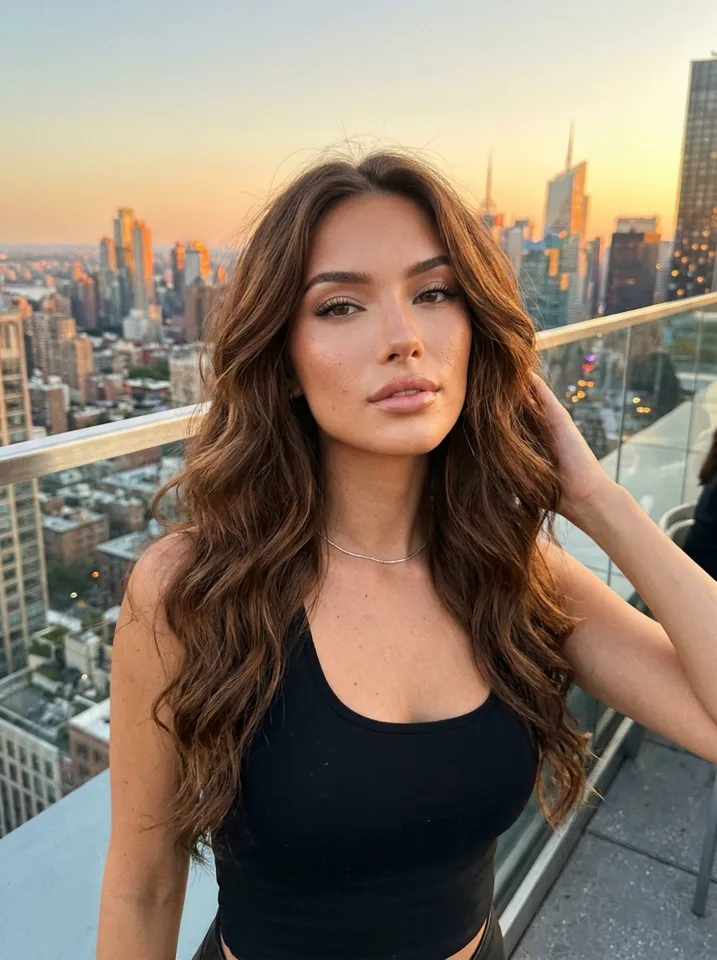
Before you open Instagram
The account is the easy part. The people who stall are the ones who open Instagram first and only then ask what the page is about. Settle three things before you sign up:
- The niche. Travel, fitness, food, fashion, beauty, study, home. Pick one you can post about for months.
- The face. One face, used in every post. Design it first.
- The name. Short, easy to say, and free as a handle. The AI influencer name generator helps.
How to create an AI influencer Instagram account, step by step
Design the influencer
On Yipkin you tap through looks and pick one face. No prompts needed. Your first influencer is free, and new accounts get 4 free pictures with no card.
Make your first set of pictures
Make pictures in a few scenes: a cafe, a street, a mirror selfie, an outfit. Enough that the grid does not look empty on day one.
Create the account
Sign up on Instagram with an email you control. Choose the handle and the profile picture, using a close-up of your influencer.
Write the bio
One line about the niche, one line about the vibe. Keep it plain. The caption generator can help with the voice.
Add the AI label if required
Instagram asks creators to label realistic AI content. Check the current rules and turn on the label when it applies.
Post, then keep posting
Start with a steady schedule you can keep. Reply to comments in the character's voice.
Made on Yipkin
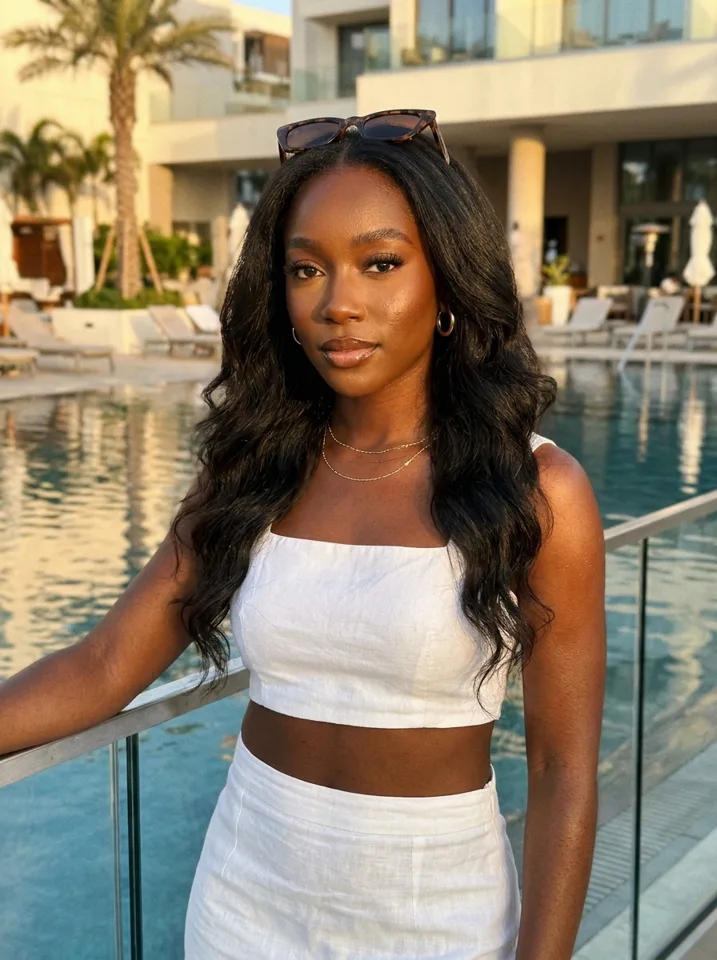
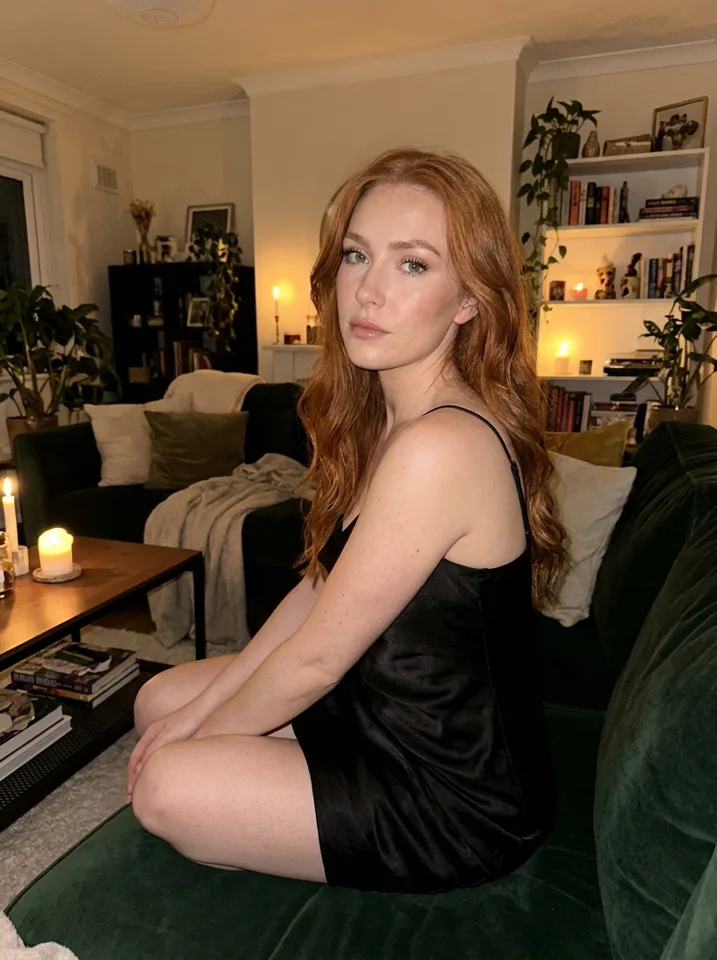
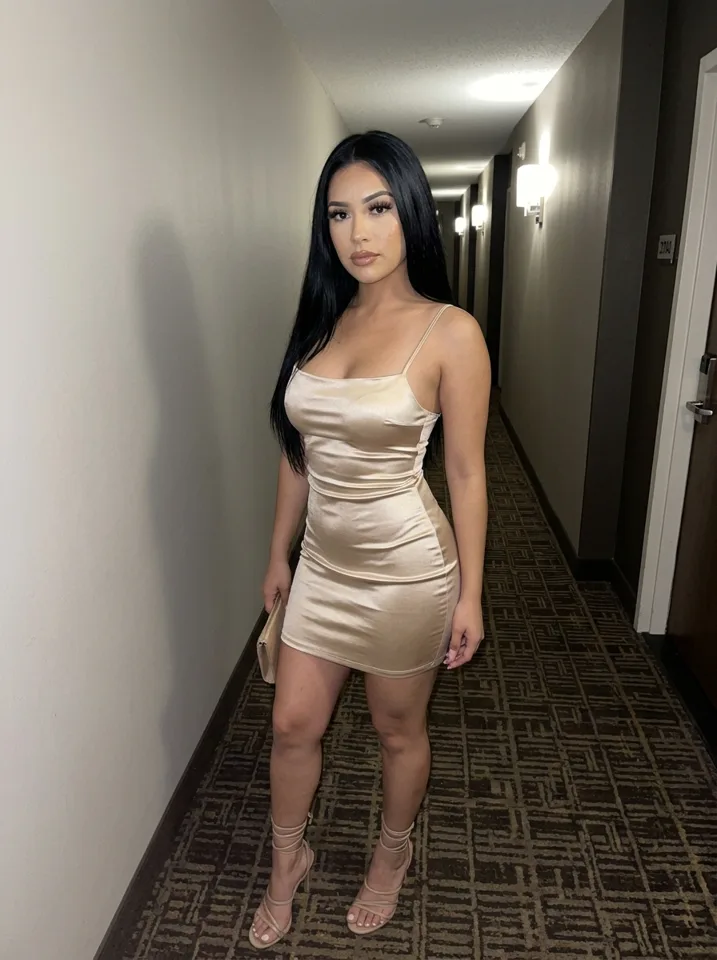
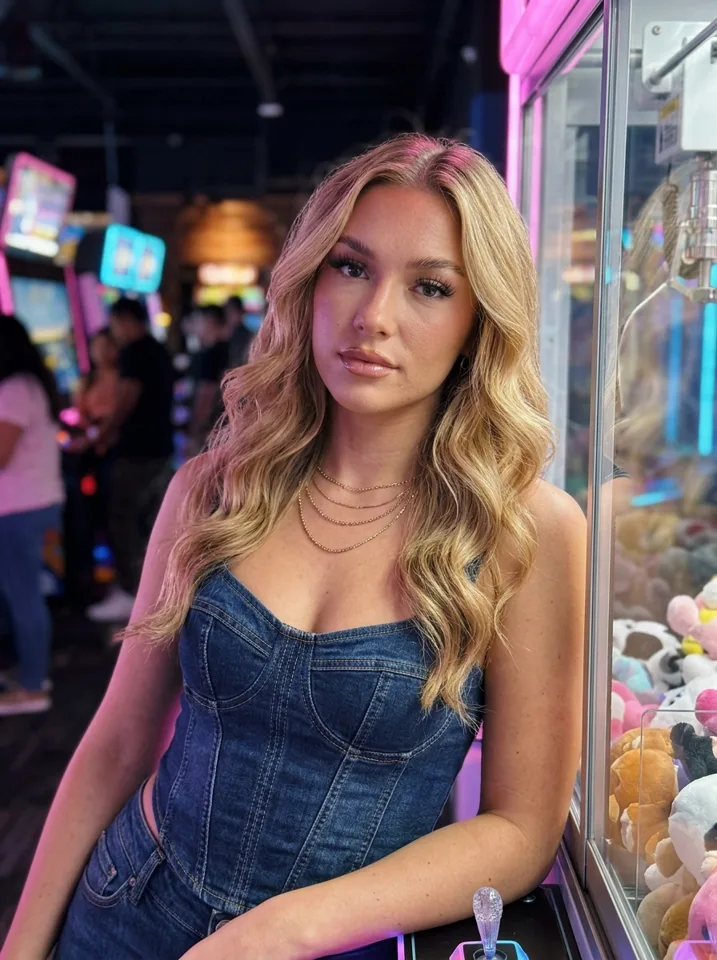
What a good first set of posts looks like
A face close-up
Clear, well lit, in a normal place. This is the picture people remember.
A full outfit
Shows body, style and the look of the page.
A place
A cafe, a view, a street. It tells people what the account is about.
A small moment
Coffee in hand, shoes by a door, a mirror selfie. Small moments make a feed feel lived in.
Keep the feed believable
A believable page does not mean pretending to be human. It means pictures that look like they belong together. The same face, a similar light, everyday scenes, and captions that sound like one person.
For more on feed style, read AI Instagram model. For the face itself, read how to make a realistic AI influencer.
Rules to follow
TikTok and YouTube ask creators to label realistic AI content (the label rules). Each platform's rules change, so check the current ones before you post, and again from time to time. Never claim your influencer is a real person if someone asks.
On Yipkin, every influencer is a fictional adult. A real person can only be made with their permission and only if they are 18 or older. Famous people are refused. Everything is safe for work.
Account mistakes to avoid
| Mistake | Why it hurts | Do this instead |
|---|---|---|
| Changing the face | Followers think it is a different person | Use one face for every post |
| No niche | No reason to follow | Pick one topic |
| Posting a burst, then nothing | The page looks abandoned | Pick a pace you can keep |
| Skipping the AI label | Risk of the post or account being penalised | Follow the current label rules |
| Copying a real person's pictures | Rules and ethics problems | Use only your own fictional character |
Platform rules change. Check the current ones.
Bio, name and profile picture
Your bio has one job: tell a stranger in a few seconds what the page is about. Keep it short. Name the topic, add one line of personality, and finish with a call such as a link or a question. Do not claim to be a real person.
For the handle, aim for something short that is easy to type. For the profile picture, use a clear close-up of your influencer's face, because small circles hide detail. Because the face stays the same in every Yipkin picture, the profile picture will match the posts.
A posting rhythm you can keep
Pick a pace first
Choose a rhythm you can keep for months, not one you can keep for a week.
Mix the formats
Use single pictures, carousels and short clips. See AI influencer video generator for clips.
Batch your work
Make a set of pictures in one sitting, then post them across the week.
Review monthly
Look at what got saves and replies. Make more of that.
Stories, comments and replies
The grid is only part of an account. Stories and comments show that someone is there. Reply to comments in the character's voice. Keep replies short and friendly. Do not argue and do not pretend to have a real life you do not have.
If someone asks whether the page is AI, answer honestly. Followers who know what they are following stay longer than followers who feel tricked.
Two accounts: one for the character, one for you
Keep your own personal account separate from the AI influencer's account. Use a separate email, and keep the character's pictures and captions in their own space. That makes it easier to follow platform rules and easier to hand the page to someone else later.
Business, creator or personal account?
Instagram offers different account types. A creator account suits most AI influencer pages, because it gives you insights and lets you show a category. A business account fits a brand that sells things. Read Instagram's current options and rules and pick what matches your goal. You can usually switch later.
Whatever you choose, set up the account with an email address you control, turn on extra security, and keep your login private.
What to do in the first week after launch
Post on a steady rhythm. Follow accounts in your niche. Leave real comments on posts in the same area, in the character's voice. Save ideas that other pages use and think about how to make your own version, not a copy.
Check your numbers once a week, not once an hour. Look at reach, saves and follows. After a few weeks you will see which scenes and captions people respond to. Use the caption generator to keep the voice steady, and read how AI influencers make money before you plan any income.
Monthly cost of running it
The account is free. The pictures come from your plan: Starter $19 a month (about 55 pictures), Creator $49 a month (about 150 pictures) or Studio $129 a month (about 415 pictures), with 20% off yearly. See how much an AI influencer costs for the details.
Questions
Is it allowed to run an AI influencer on Instagram?
Instagram allows creators to post AI content, but it asks them to label realistic AI content. Check Instagram's current rules.
How do I make an AI influencer page?
Design the influencer, make a set of pictures, create the account, write a short bio, label it if required and post on a steady schedule.
How many pictures do I need to start?
Enough that the grid does not look empty. A handful in different scenes is a good start. Yipkin gives 4 free pictures with no card to begin.
Can I use the same influencer on TikTok?
Yes. The face stays the same in every picture and video. See the AI influencer for TikTok page.
Do I need an app?
No. Yipkin works in a web browser on a phone or a computer.