 Yipkin
AI influencer video generator. Short clips, same face.
Photos get a page started. Short videos get it seen. With Yipkin you design an influencer once, make pictures, and turn them into short clips where the face matches the photos. Here is how it works, and what to watch for.
4 free pictures to start. No card.
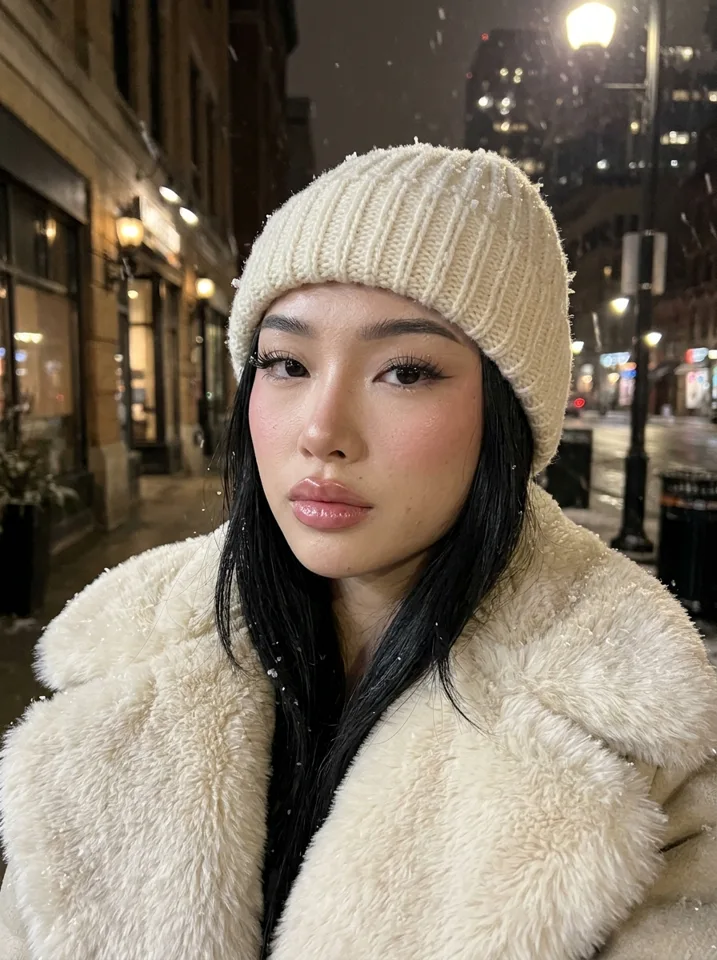
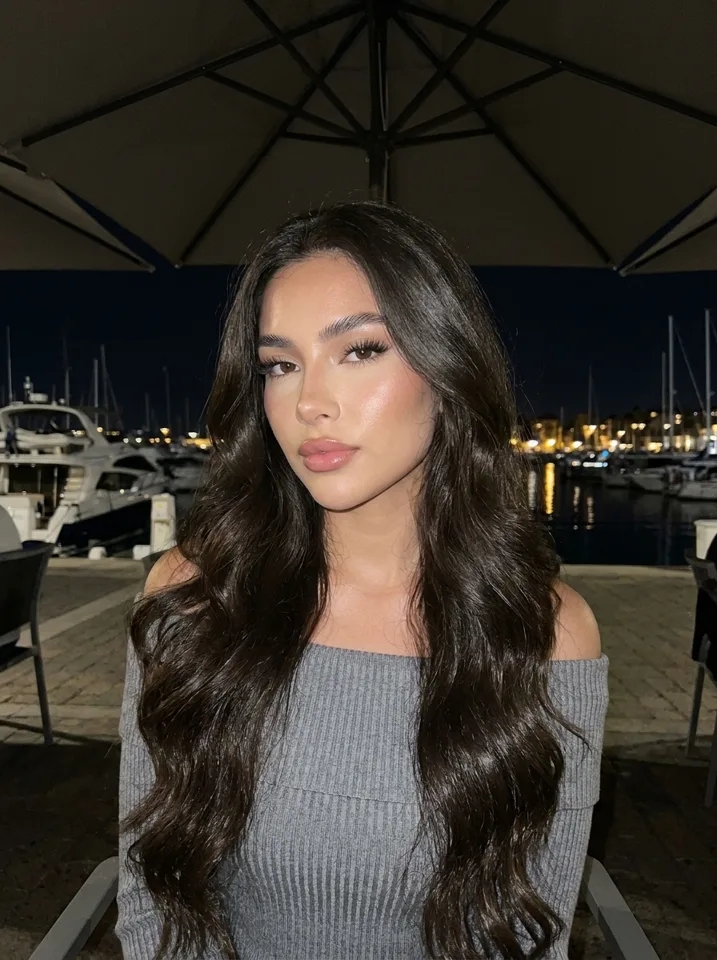
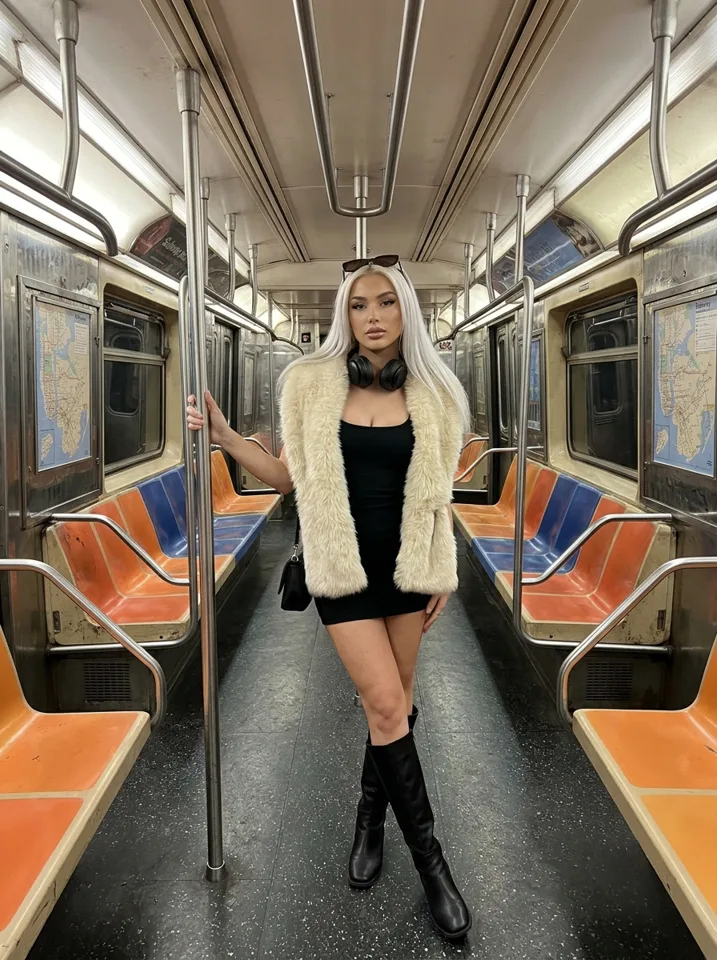
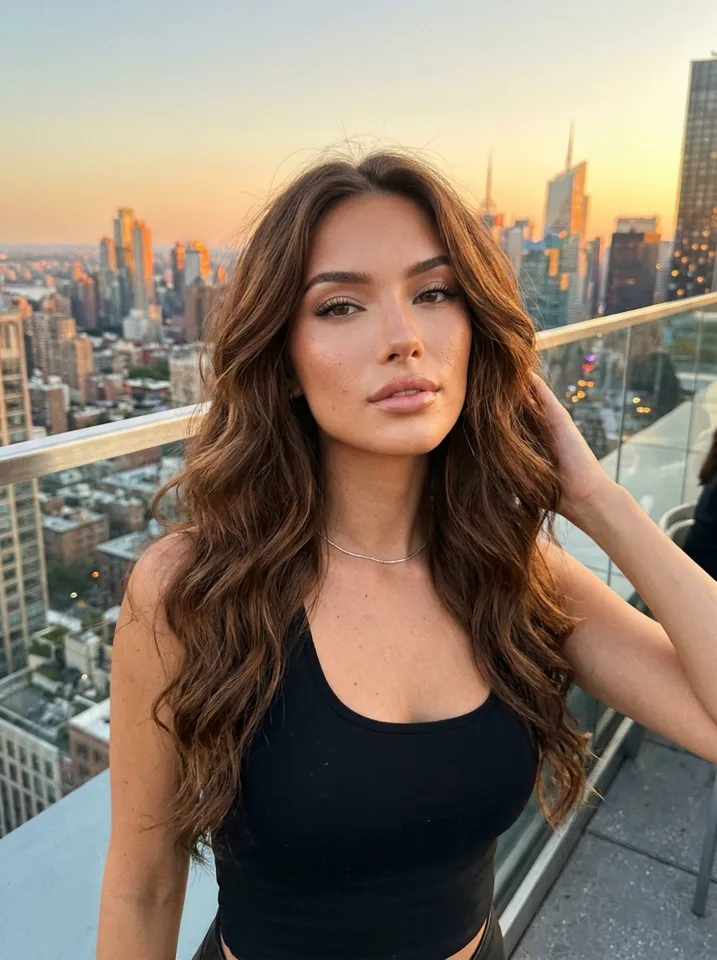
What an AI influencer video generator does
An AI influencer video generator makes short clips of your made-up person: a smile, a turn, a wave, a walk, a hair flip. You use them as reels, TikToks or YouTube Shorts.
The hard part is not the motion. It is the face. Many video tools make a good clip, then the person in the next clip looks different. Followers see that. So the question to ask any tool is: does the video look like the same person as the photos? On Yipkin the face stays the same in every picture and video, in any scene.
How to make an AI influencer video
Design your influencer
Tap through the look you want. No prompts needed, though you can type your own. Your first influencer is free.
Make a picture
Pick a scene: a cafe, a street, a gym, a beach. This picture becomes the start of the clip.
Turn it into a clip
Choose a video from the picture. You see the price before you make it, and videos come out of the same plan as your pictures.
Download and post
Save the clip and post it as a reel, TikTok or Short. Add your own caption, audio and label if the platform asks for one.
Made on Yipkin
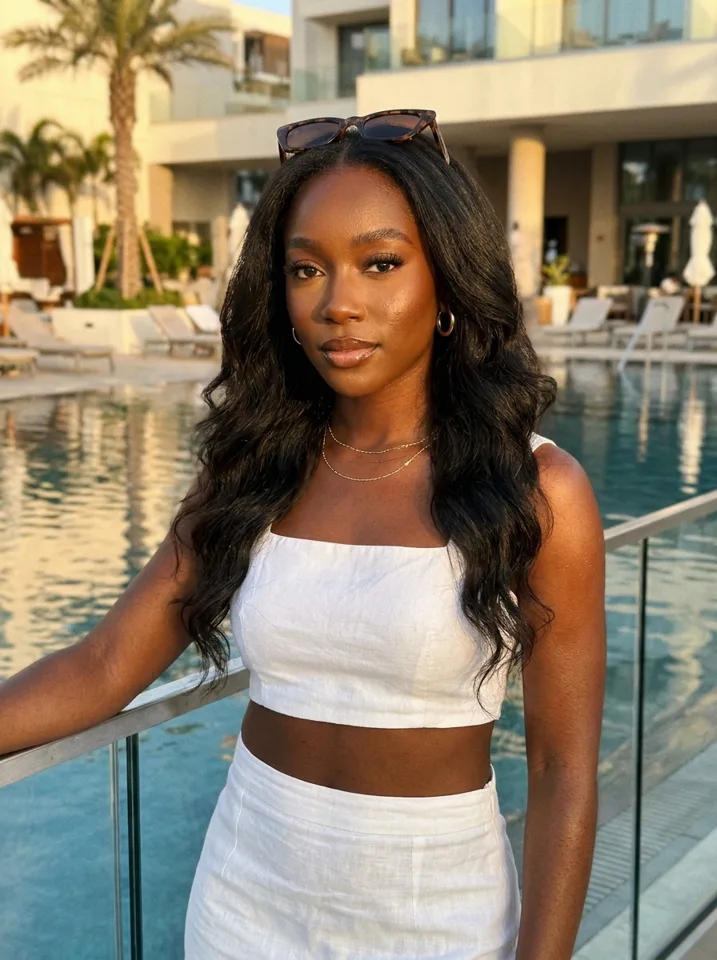
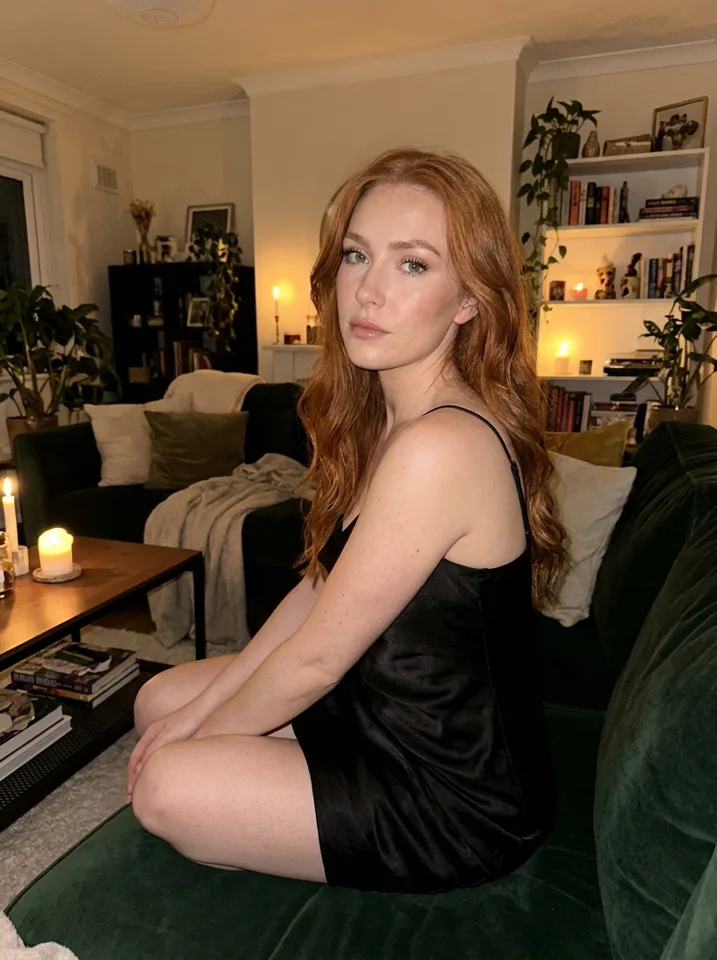
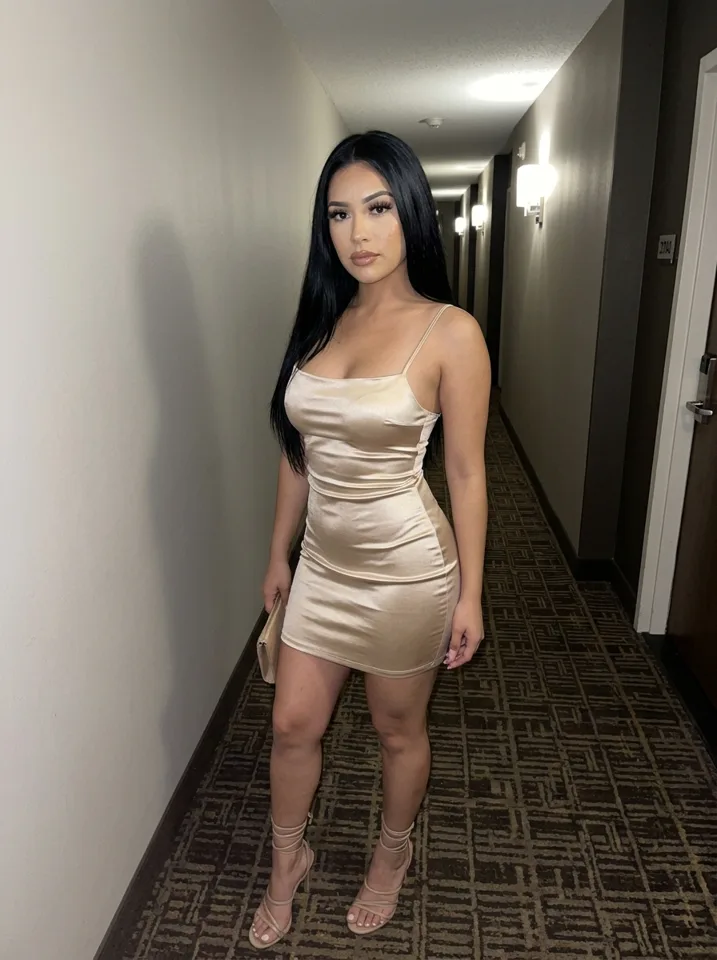
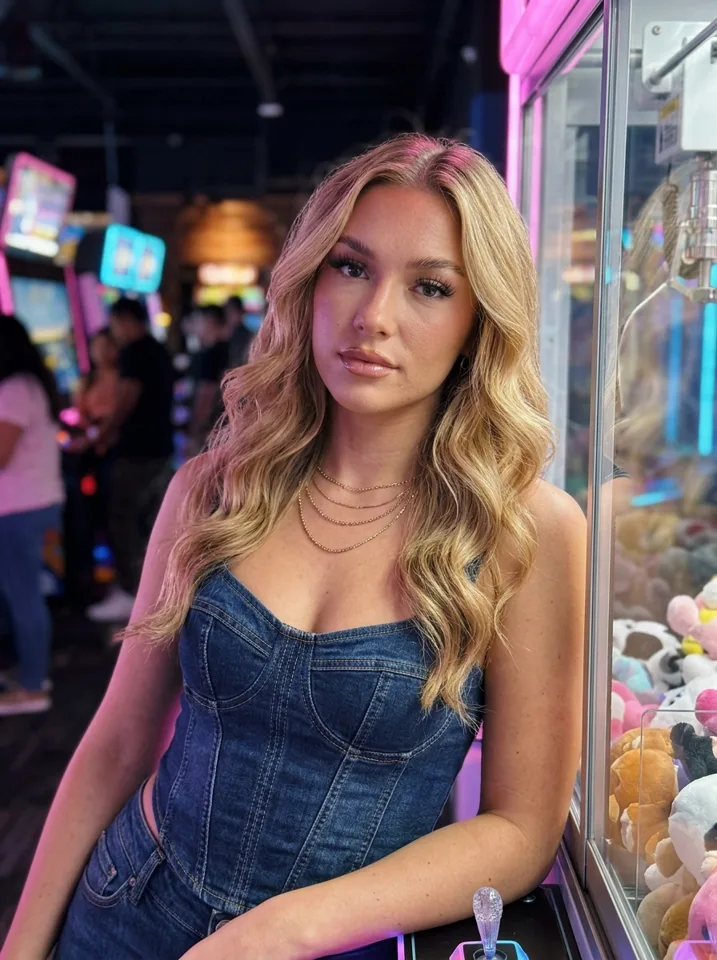
What makes a video look real
Same face as the photos
If the clip face drifts, the audience stops believing. Start every video from a picture of your influencer.
Simple motion
A small head turn or a smile looks more natural than a big action. Real phone videos are mostly small movements.
Everyday scenes
A mirror in a gym, a walk down a street, a table in a cafe. Normal places look believable.
A phone-camera feel
A slightly casual look suits reels better than a glossy ad look.
AI influencer reel maker: ideas for clips
You do not need many clips to start. A few simple ones, posted often, work better than one big production. Ideas people use:
- A morning routine clip: pouring coffee, tying shoes.
- An outfit check in a mirror.
- A walk through a street or a market.
- A smile and wave for an intro.
- A travel clip with a view behind her.
Add a caption from the caption generator and post. Then check what people watch to the end and make more like it.
Free, paid and what a failed video costs
| What to know | |
|---|---|
| Start free | 4 free pictures, no card, and a free first influencer |
| Video price | You see the price before you make a video |
| Where video credits come from | The same plan as your pictures |
| If a video fails | The credits come back |
| Plans | Starter $19, Creator $49, Studio $129 a month; 20% off yearly |
Nothing is charged until you pick a plan. Plan prices are in US dollars.
Talking videos and what we say about them
People often ask how to make an AI influencer talk. Be careful with this one. A talking clip puts more pressure on realism, and it is the clip most likely to be flagged as AI. If you use one, label it where the platform asks, and keep the words honest. Do not use it to pretend to be a real person.
On Yipkin, every influencer is a fictional adult, and a real person can only be made with their permission and only if 18 or older. Famous people are refused. Content is safe for work only.
AI influencer video generator free: what to expect
Many people search for a free video maker. Be realistic. Video costs more to run than pictures, so free offers are usually small or limited. A better question is what you can test for free and what you pay for once you are sure.
On Yipkin you can start with 4 free pictures and no card, and the first influencer is free. That lets you check the face and the style before spending anything. When you want video, it comes out of your plan, and the price is shown before you make a clip. If it fails, the credits come back, so you never pay for a clip that does not exist.
A simple workflow for a week of clips
Plan five short ideas
Pick simple ideas: a morning, an outfit, a walk, a cafe, a view. Write one line for each.
Make a picture for each
Make one good picture for each idea. Check the face and the scene.
Choose the best three
Videos cost credits, so turn only the strongest pictures into clips.
Write captions
Use the caption generator for the first draft, then edit it into one voice.
Post across platforms
Put the clips on Reels, TikTok and Shorts. Label realistic AI content where required.
Common video mistakes
- Starting from a weak picture. A clip can only be as good as the picture it grows from.
- Too much motion. Keep movement small and natural.
- One clip, then nothing. Short-video pages need a steady flow.
- Different faces across clips. That kills trust. Use one influencer.
- Skipping the label. Platforms ask creators to label realistic AI content.
Questions people ask about AI influencer videos
Can I make an AI influencer reel?
Yes. Make a picture, turn it into a clip and post it as a reel. Add your own audio and caption.
Can the clips be a series?
Yes. Because the face stays the same, a run of clips reads as one person across days.
Do I see the price first?
Yes. You see the price before you make a video.
Can I use clips on more than one platform?
Yes. Reels, TikTok and Shorts all take short vertical video. Check each platform's rules.
Keeping clips safe for work and honest
Yipkin makes safe-for-work pictures and videos only. Every influencer is a fictional adult. A real person can only be made with their permission and only if 18 or older, and famous people are refused. When you post, TikTok and YouTube ask creators to label realistic AI content, so check each platform's rules.
That also makes planning simpler. You can build a content list around everyday life, travel, fitness, food and style, and know that the clips will fit any mainstream platform. If you want to see how a full page fits together, read the AI influencer guide.
Where to go next
Videos are only useful if the character holds together. Read about consistent character AI video for the details, or start with the AI influencer generator to make your first picture. If you plan to post on short-video platforms, see AI influencer for TikTok.
Questions
Can I make AI influencer videos for free?
You can start free. A new account gets 4 free pictures with no card, and the first influencer is free. Videos come out of your plan and you see the price before making one.
Will the face in the video match my photos?
Yes. The face stays the same in every picture and video, in any scene.
What if a video fails?
You get the credits back.
Where do I post the clips?
Instagram Reels, TikTok and YouTube Shorts are the usual places. Follow each platform's rules, including labels for realistic AI content.
Do I have to write prompts for video?
No. You pick from choices. You can type your own if you like.