 Yipkin
AI influencer without ComfyUI. No LoRA, no GPU.
You can build an AI influencer by hand with ComfyUI, a LoRA and a strong graphics card. Many people do. But if you want the result and not the hobby, you can make an AI influencer without ComfyUI, in a web browser, by tapping choices.
4 free pictures to start. No card.


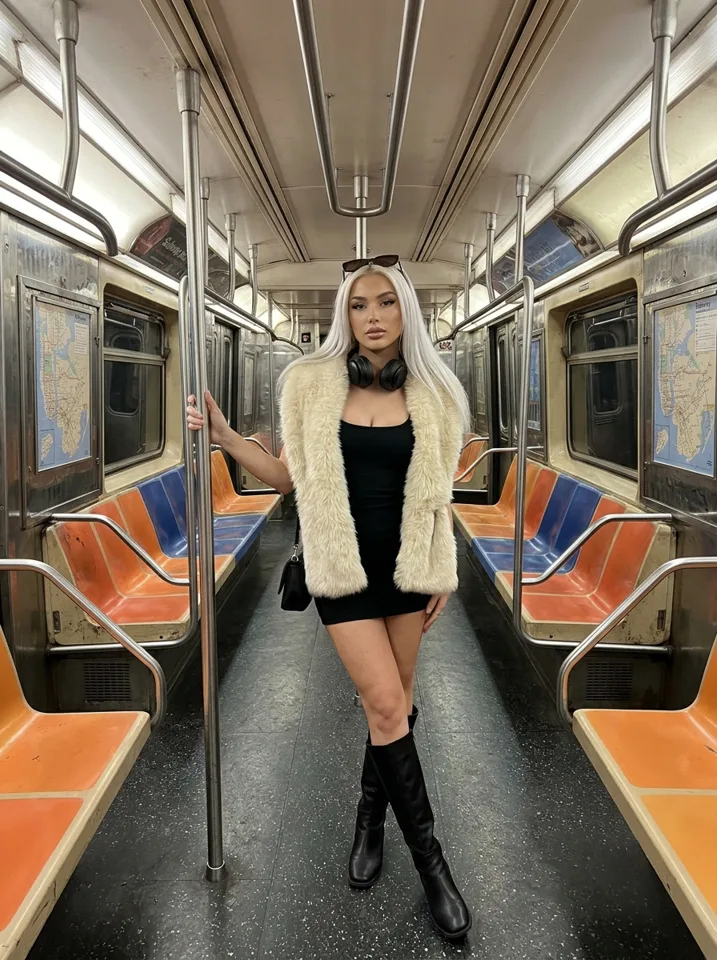
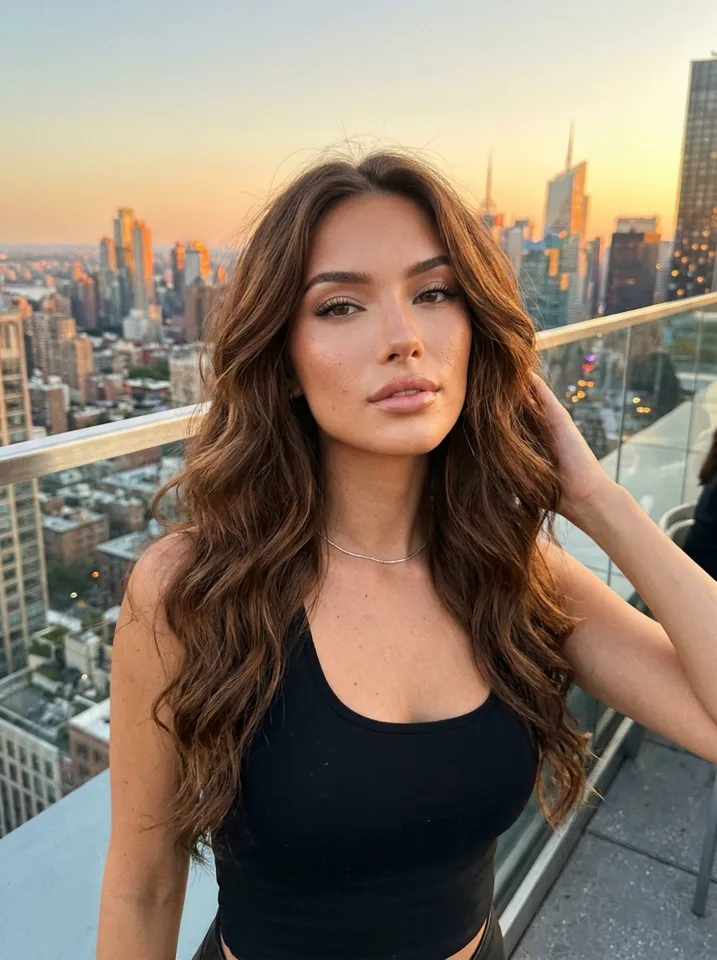
How to make an AI influencer without ComfyUI
Search for ai influencer comfyui workflow and you find long guides: install the software, load a model, collect a dataset, train a LoRA, tune a workflow, fix errors, repeat. It works. It also takes days of setup and a computer that can handle it.
If your goal is a page with a steady face and daily posts, that is a lot of work before the first picture. You can make an AI influencer without ComfyUI and still get the thing that matters: the same face in every picture.
What the manual route involves
| Step | Manual (ComfyUI + LoRA) | Yipkin |
|---|---|---|
| Install software | Yes, and keep it updated | No, it runs in a web browser |
| Graphics card (GPU) | Needed, or rent one | Not needed |
| Collect a dataset of face images | Yes | No |
| Train a LoRA | Yes, and test it | No |
| Write prompts | Yes, and tune them | No, you tap choices (or type your own) |
| Same face in every picture | Depends on your training | Built in |
| Fix errors and broken nodes | Often | Not your job |
The manual route gives you total control. If you enjoy that, it is a fine hobby. This page is for people who want the output.
How Yipkin does it without a workflow
Design the face once
Tap through age, hair, skin and style. You pick one face. No dataset, no training run.
Pick scenes
Choose where your influencer is and what she is doing. Yipkin writes the prompt for you.
Make pictures and clips
Each picture uses the same face. Turn any picture into a short video when you want one.
What you give up, and what you keep
Be clear about the trade. A custom ComfyUI setup lets you pick every model, tweak every setting and run it for free once you own the hardware. Yipkin does not offer that. It is a hosted tool with plans from $19 a month, and you work within what it offers.
What you keep is time. There is no ai influencer lora to train, no ai influencer dataset maker to build and no workflow to repair when an update breaks it. You can start with 4 free pictures and no card, and your first influencer is free.
Who should still use ComfyUI
People who enjoy tinkering
If building the workflow is the fun part, keep going.
People with spare hardware
If you already own a strong GPU, the running cost is low.
People who need exact control
Some projects need custom models or special settings.
Everyone else
If you want to post, not build, the tap-and-make route saves weeks. Compare it with the free AI influencer options.
Open-source and GitHub projects
Many people also search for ai influencer open source or ai influencer github. These projects can be good learning material. Expect to read documentation, install dependencies and debug on your own. They are tools for builders.
If you still want to learn how the manual method works, a LoRA is a small add-on that teaches a model one specific face. The idea is the same one behind a consistent AI character: lock the face so it does not drift. Yipkin does that step for you.
What a LoRA is, in plain words
A LoRA is a small file trained on many pictures of one face. You load it next to a base model, and the model then draws that face when asked. It is the common way to get a consistent AI influencer by hand.
To make one, you collect a set of images of the face, caption them, train for a while, then test and retrain when it fails. If the pictures are weak, the LoRA is weak. If your computer is small, training is slow or impossible. That is the work that disappears when the tool holds the face for you.
Questions people ask about the no-workflow route
Is the quality as good?
Test it. Make a handful of pictures and judge the face and the look. The free start lets you do this without paying.
Can I still use my own wording?
Yes. You do not have to write prompts, but you can type your own.
What if I outgrow it?
Then go to the manual route. You will know what you want from it by then.
Is it faster?
For getting a first set of pictures, yes. There is no install, no dataset and no training.
A quick check before you commit to either path
Ask what you actually want from the next month. If it is a working page, with daily posts and one steady face, pick the path that gets you posting soonest. If it is to learn how the models work, pick the manual path and enjoy it.
You can also do both. Many people start with a tool to learn what a good influencer needs, then build their own workflow later with that experience. See AI influencer generator to try the tool route first.
A day in each route
On the manual route, day one is install and fixes. Day two is a dataset. Day three is training and tests. Day four you may get a face you like, and day five you discover it breaks in a new pose. This is normal, and some people love it.
On the tap route, day one you design the face, make pictures in a few scenes and have material to post. The rest of your week goes into the page itself: the niche, the captions, the schedule. That is the part followers notice.
Common worries about leaving the manual route
People who have built workflows sometimes worry about being locked in. That is fair. With a hosted tool you rely on the service, and you should check the plan and terms before you commit. Start free, use the 4 pictures to judge the results, and only then pick a plan.
Others worry that the results will look generic. The way to answer that is to try it: design a face, make pictures in several scenes and compare them with what your own setup makes. You are looking for a steady face and a believable look.
Rules apply either way
Whether you build by hand or tap in a browser, platform rules apply. TikTok and YouTube ask creators to label realistic AI content, and each platform's rules should be checked before you post. On Yipkin every influencer is a fictional adult, a real person can only be made with their permission and only if 18 or older, famous people are refused, and content is safe for work only.
Ready to see it? Start with the create an AI influencer walk-through.
Questions
Can I make an AI influencer without ComfyUI?
Yes. On Yipkin you design the face by tapping choices in a web browser. There is no software to install.
Do I need to train a LoRA?
No. You pick a face once and it stays the same in every picture.
Do I need a GPU or a strong computer?
No. Yipkin runs in a web browser on a phone or computer.
Is the face really the same every time?
Yes. The face stays the same in every picture, in any scene.
Does it cost money?
You can start free with 4 pictures and no card, and your first influencer is free. Plans then start at $19 a month.
What do I give up compared with ComfyUI?
Deep control. You cannot swap models or tune every setting. In return you skip the setup and the training.