 Yipkin
Create an AI Instagram model. No prompts.
An AI Instagram model needs a face people remember and a feed that looks like a real phone. Yipkin makes both: one locked face, and selfie-style photos and clips of her anywhere.
4 free pictures to start. No card.
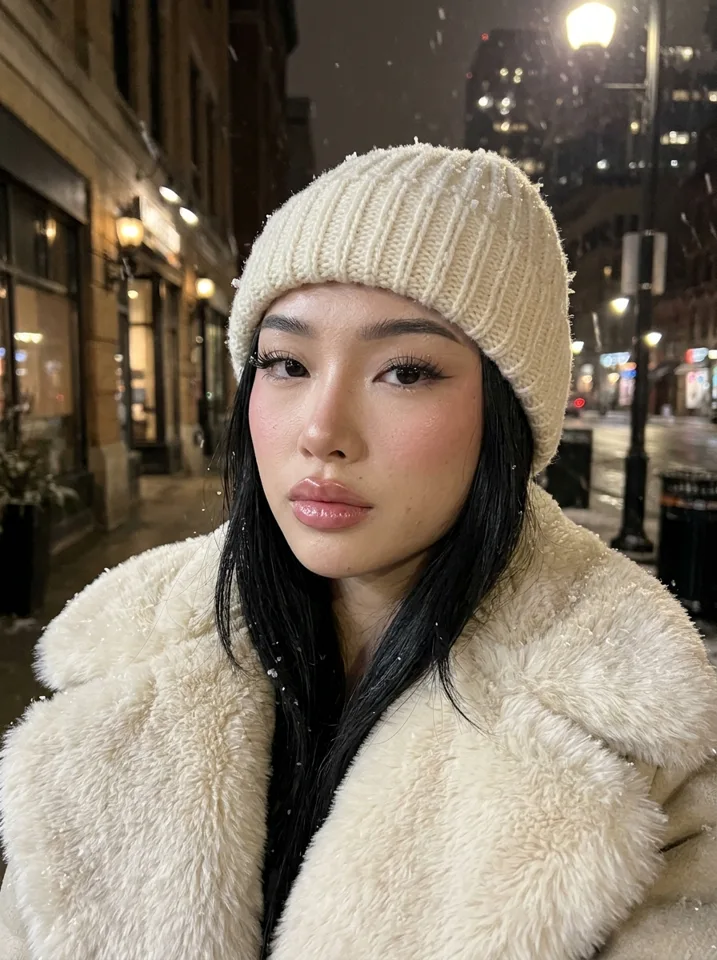
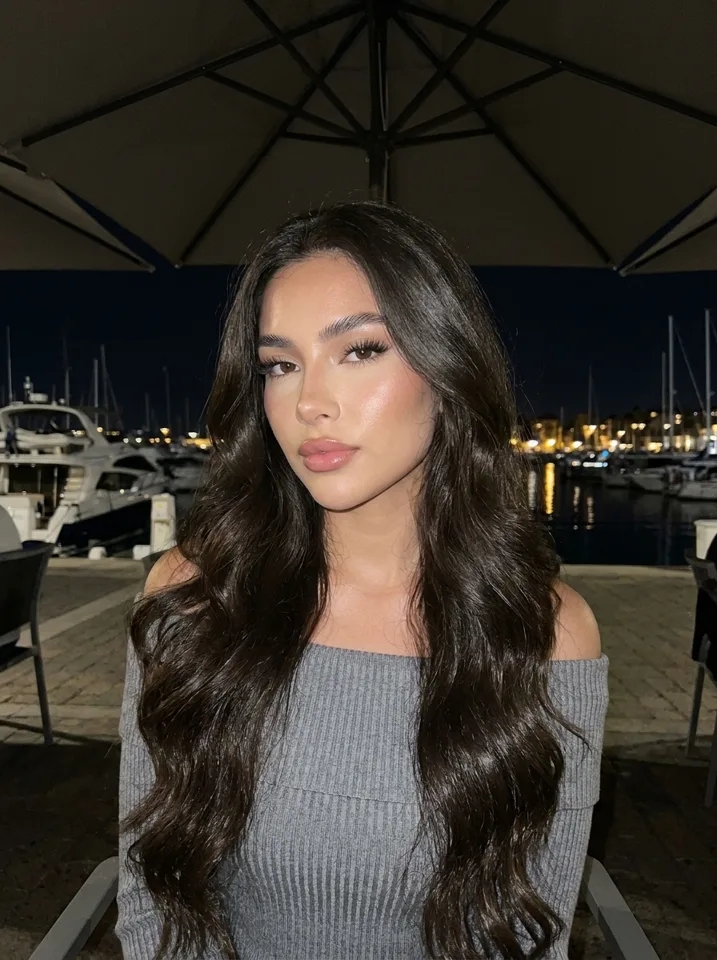
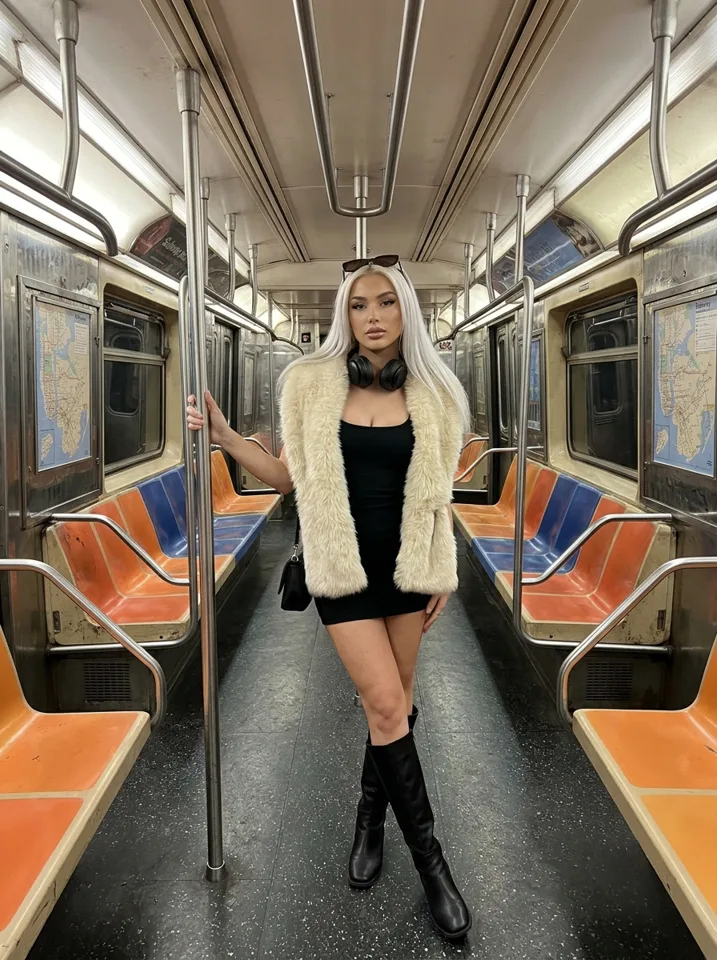
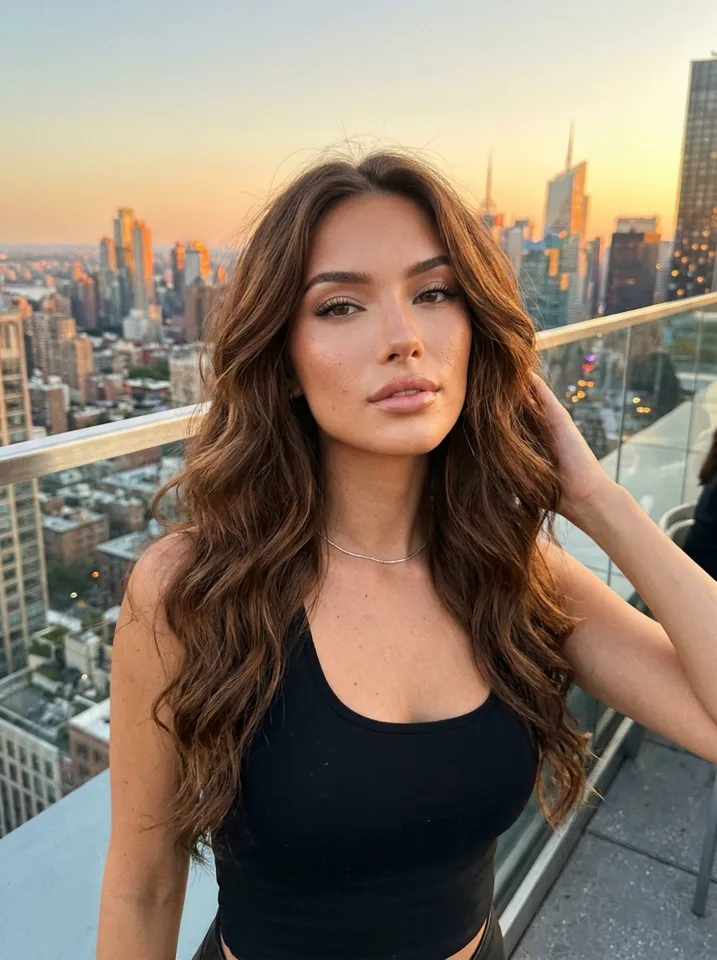
What works on Instagram
Selfies over studio shots
Phone-camera photos feel real. Polished renders look like ads and get scrolled past.
The same face
People follow a person. If the face changes, the page stops feeling like one.
Reels and stories
Short clips reach new people. Turn any photo into a clip with the same face.
Everyday life
Coffee, gym, car, night out, travel. Ordinary moments make her believable.
Your first 30 days
Day 1: make her
Design her face and make 12 photos in different places for the first grid.
Week 1: post daily
One photo or carousel a day, one story a day. Keep the same face and style.
Week 2: add clips
Turn your best photos into short clips and post them as reels.
Weeks 3 and 4: repeat what works
Make more of the scenes and outfits that got the most saves and shares.
Made on Yipkin
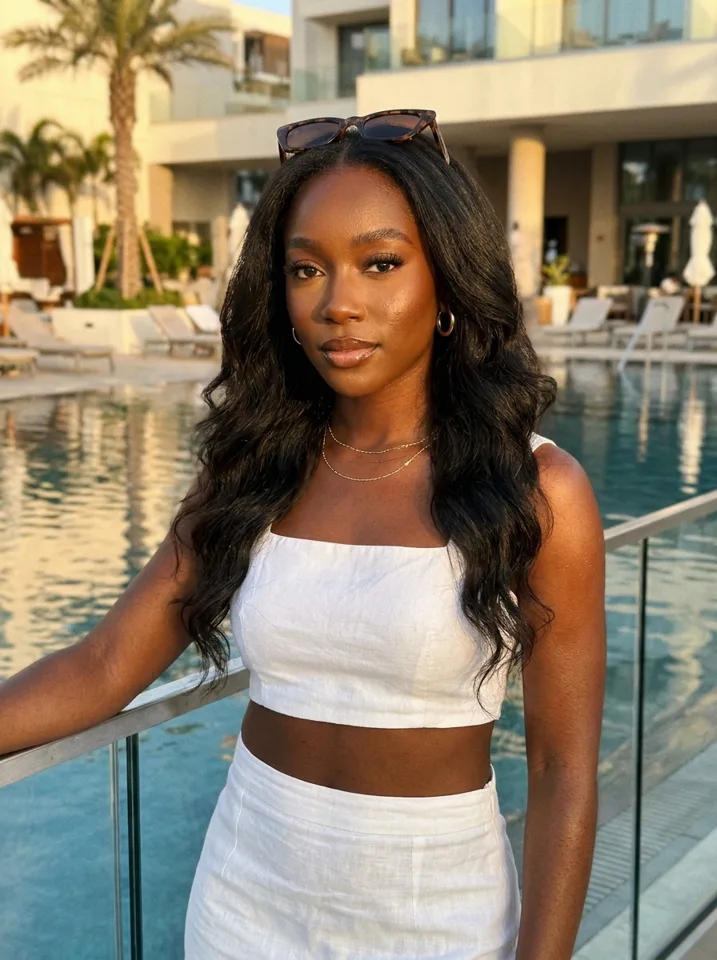
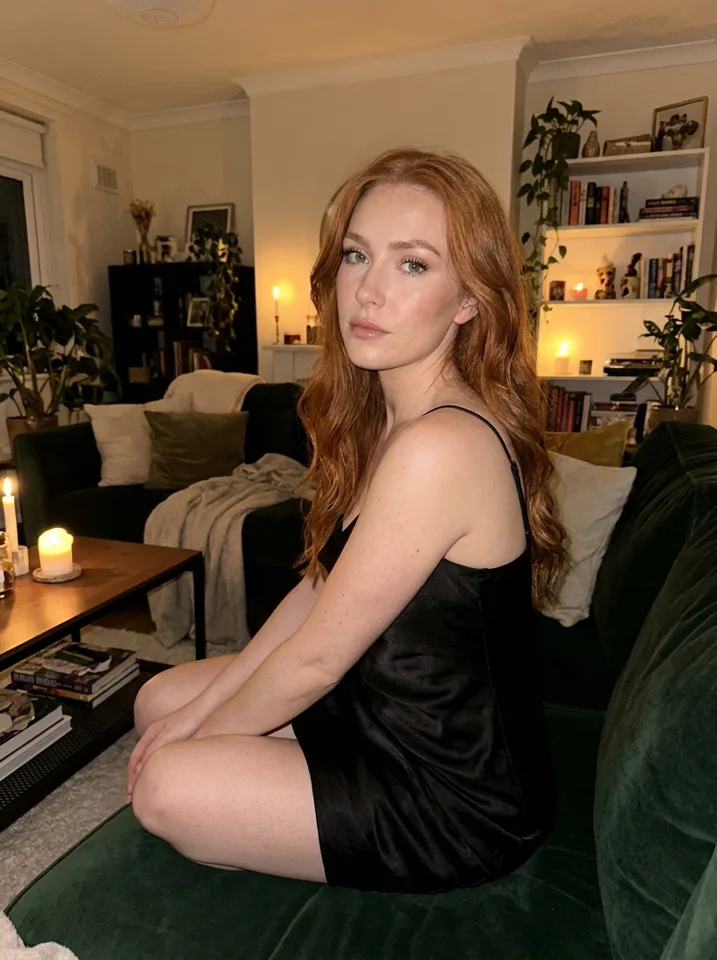
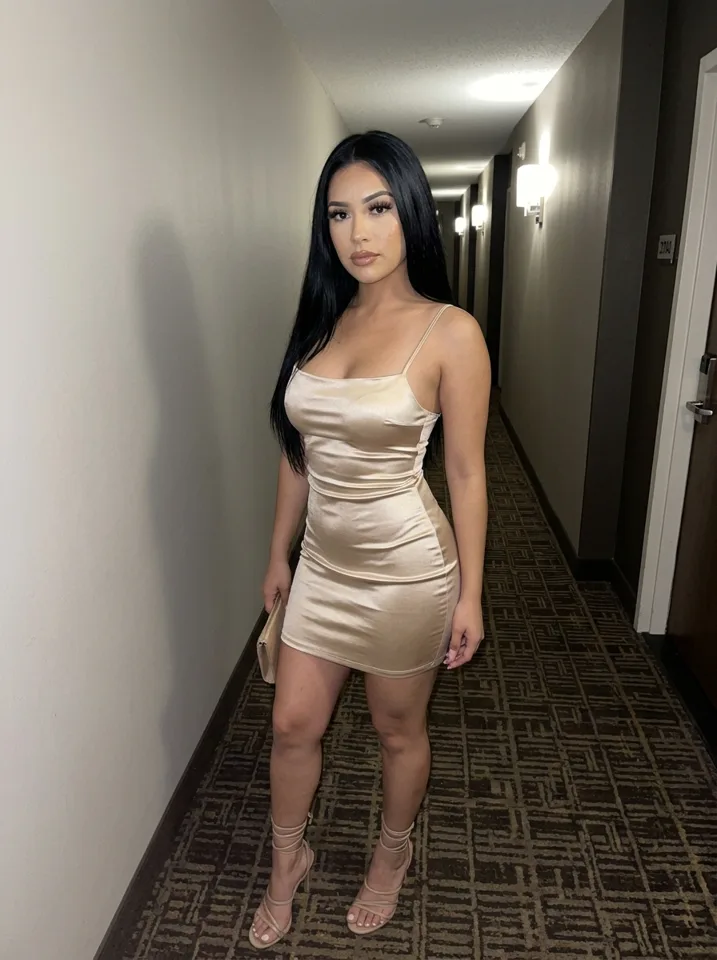
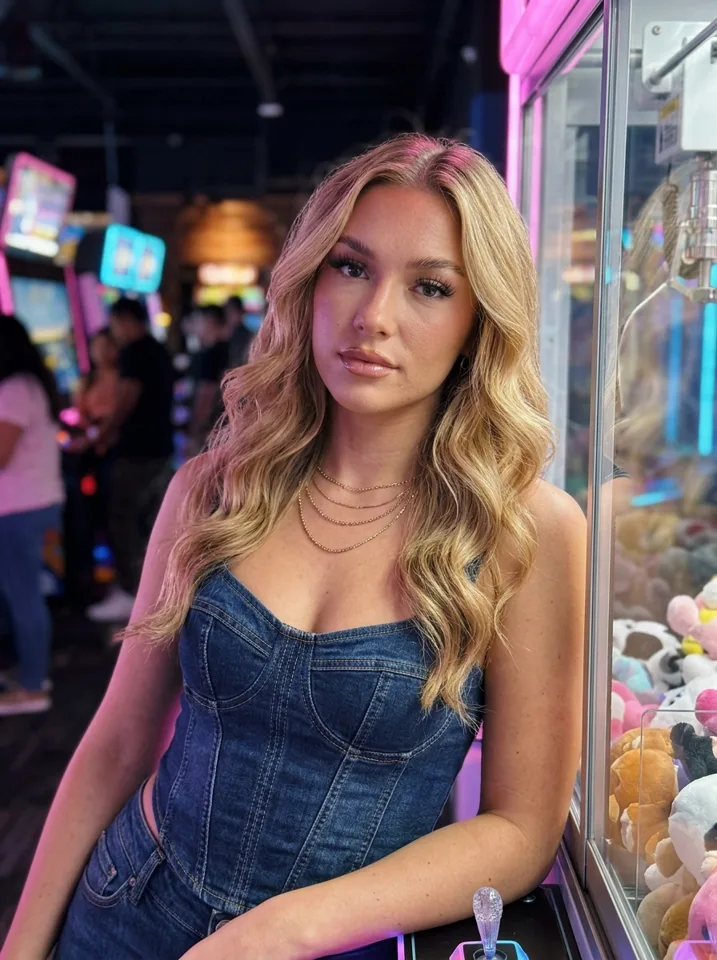
Play by the rules
Every Yipkin model is a fictional adult. Instagram has rules for AI-made content, so read them and use its AI label where it asks. Never present her as a real, specific person, and never copy a real person's face without their permission.
Pick a niche before you pick a face
A page is easier to follow when it is about something. A fitness girl who trains every morning. A travel girl who is always at an airport or a beach. A coffee-shop girl with a book and a latte. The niche decides her scenes, her outfits and her captions, and it tells a new visitor in one second why they should follow.
Choose the niche first, then design a face that fits it. A gym page wants a sporty look. A fashion page wants a face that carries makeup and styling. On Yipkin you design the face once, so it is worth a few extra minutes here.
How to make the feed look real
Shoot like a phone
Arm's-length selfies, mirror shots and photos a friend would take. Yipkin's default look is the phone camera, not a studio.
Mix the light
Morning window light, harsh noon sun, warm restaurant light at night. Real feeds are never lit the same way twice.
Repeat places
Real people go back to the same gym, café, kitchen and hallway mirror. Reuse a few home spots so her life feels lived in.
Same face, different hair
Change hair up and down, makeup on and off, outfits. The face stays locked, so she still reads as one person.
Captions, bio and stories
Write captions the way a real person posts: short, a little personal, often a question. "Monday coffee or Monday gym?" beats a paragraph. Keep the bio to who she is and what she posts. Use stories for small daily moments, like a coffee, a car selfie or a view, because stories are what make followers feel they know her.
Plan a week at a time. Make all the photos for the week in one sitting on Yipkin, in different scenes, then post one a day.
Mistakes that kill AI Instagram pages
- A face that drifts. If post 30 looks like a different girl from post 1, followers notice and leave.
- Glossy renders. Perfect skin and studio light look like AI ads. Phone photos look like a person.
- Posting in bursts. Ten posts one day and nothing for two weeks. A steady daily post works better.
- No AI label where it is asked for. Follow Instagram's rules for AI content so the page stays up.
How to create an AI Instagram model for free
You do not need to pay to find out if this works. A new Yipkin account gets 4 free pictures with no card, and your first influencer is free on top. That is enough to design her, make a few pictures and see if she looks like one person.
Use the free start as a test, not as a feed. Make her face, then make one picture each in a kitchen, a street, a gym and a mirror. If all four look like the same woman, you have what you came for. If you want to go further, read the free AI influencer guide for what the free start covers.
AI Instagram model generator: what to check before you pick one
Plenty of tools call themselves an AI Instagram model generator. Most make one good picture and then a different person the next time. For a page, that is the wrong tool.
Check three things. First, does the face stay the same across ten pictures in different scenes? Second, does the output look like a phone photo or a polished render? Third, can you try it without a card? Run the same small test on every tool you look at, and keep the one that passes.
How to make an AI influencer Instagram account, step by step
Make the face and a name
Design her on Yipkin, then pick a first name, a city and one line about what she does. Write it down so captions stay in one voice.
Open the account
Make a normal Instagram account for her with a username that fits her niche. Use an email you control and keep the login private.
Fill the first grid
Add about a dozen pictures before you tell anyone about the page. A new visitor should see a real-looking feed at once.
Write a short bio
Say who she is in one line and what she posts. Where Instagram asks for an AI label, turn it on.
Post on a steady day and time
Pick one slot and keep it. Add stories for small daily moments and reels once your first clips are ready.
Ideas for AI Instagram model niches
Fitness and morning training
Gym mirrors, water bottles, trail runs. The scenes repeat, so the page is easy to keep going.
Travel and airports
A new street or beach each week. The face stays the same while the background changes.
Coffee, books and slow days
Cafés, window light, a notebook on the table. A calm niche with plenty of everyday photos.
Fashion and outfit checks
Mirror selfies and street shots with a new outfit each post. Her hair and makeup can change too.
Where to go next
Once the grid is full, the next step is motion. Reels reach people who do not follow you yet, and the AI influencer video generator guide shows how a photo becomes a short clip with the same face. If you are starting from zero, the three-step guide walks the whole path from first tap to first post.
Questions
Do I have to write prompts?
No. You tap what you want and Yipkin writes the prompt for you. You can still type your own if you like.
Will the face stay the same?
Yes. You pick one face when you design your influencer, and every picture and video after that uses it, in any scene.
Is it free to start?
Yes. A new account gets 4 free pictures with no card, and your first influencer is free on top. Paid plans start at $19 a month.
What if a picture or video fails?
You get the credits back. You only pay for pictures and videos that are made.
Does Yipkin make NSFW content?
No. Yipkin makes safe-for-work pictures and videos only: the everyday posts for Instagram, TikTok and the free feed of a page.
Can I make a real person?
Only with their permission, and only if they are 18 or older. Famous people and anyone who may be under 18 are refused.
How many photos should I make before I start posting?
About 12, enough for a full first grid in different places, so a visitor sees a real-looking life on day one.
Can I post reels of an AI model?
Yes. Turn any Yipkin photo into a short clip with the same face and post it as a reel.
Can I create an AI Instagram model for free?
Yes. A new account gets 4 free pictures with no card, and your first influencer is free. Paid plans start at $19 a month if you want to post every day.
Does Yipkin work as an AI Instagram model app?
Yipkin runs in a web browser on your phone or computer. There is no app-store app to download.
Should I label an AI Instagram model as AI?
Follow Instagram's current rules for AI content and use its label where it asks. Rules change, so check them before you post.