 Yipkin
AI model generator. Real-looking, same face.
Make an AI model who looks like a real person on a real phone camera, then put her in any scene. No prompts to write.
4 free pictures to start. No card.
What makes an AI model look real
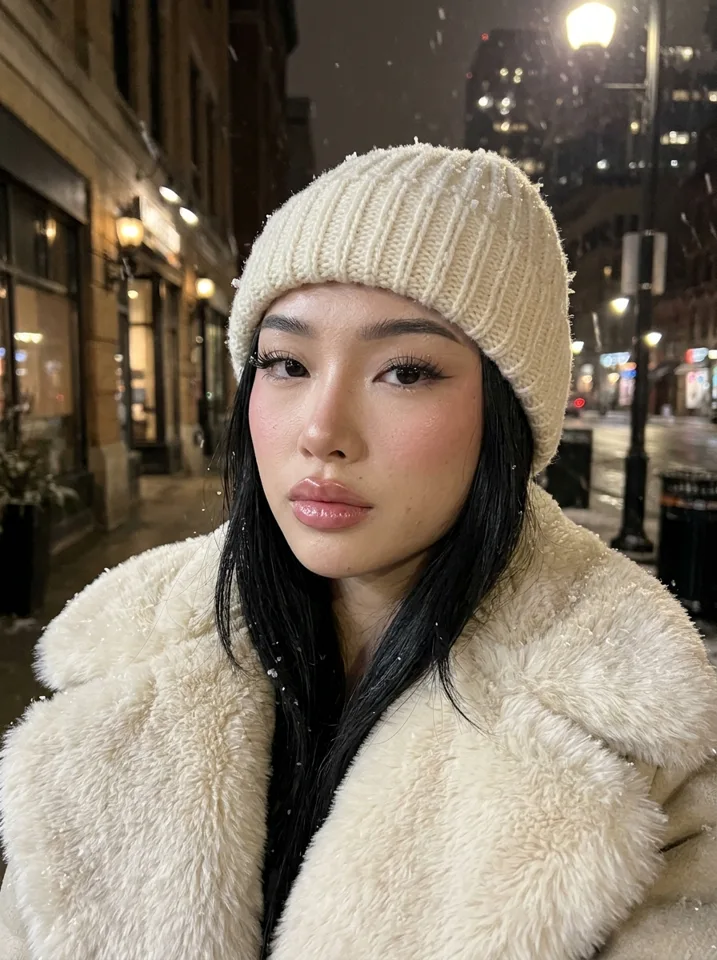
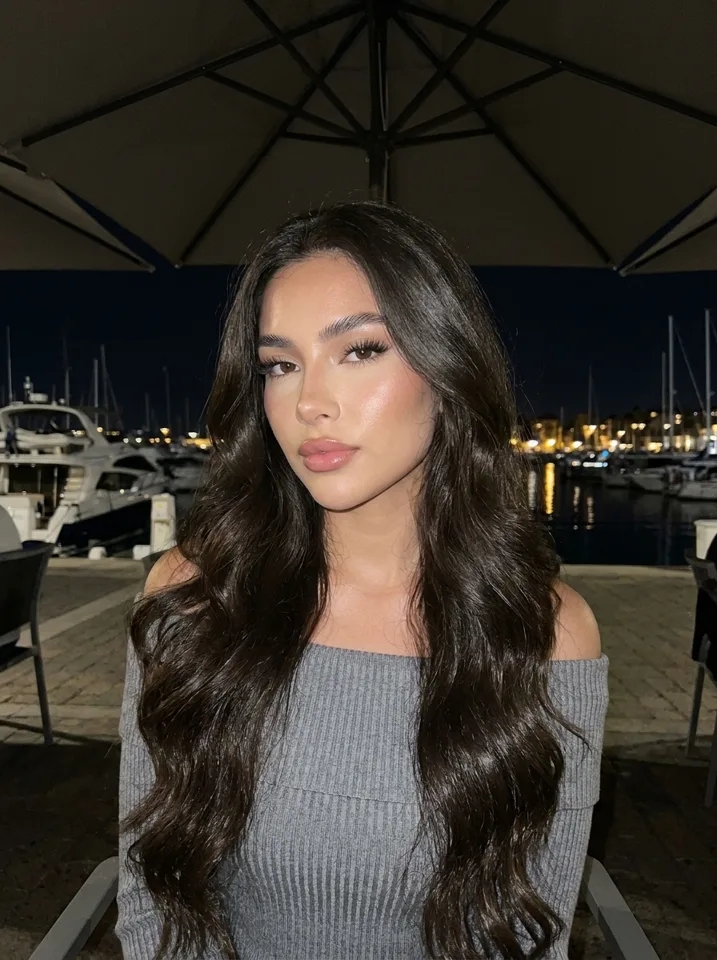
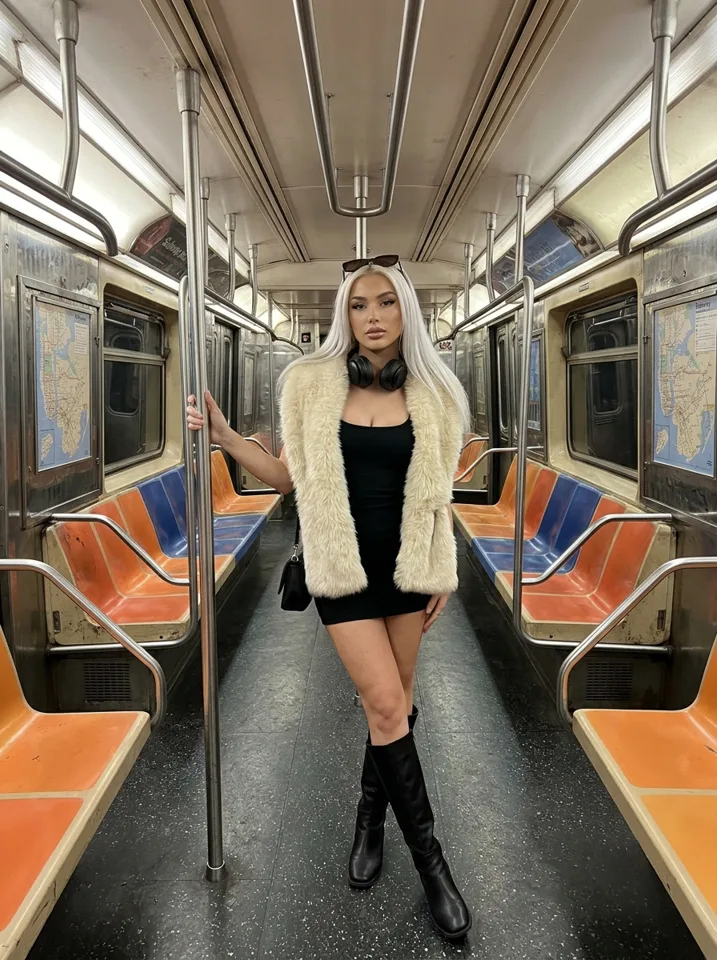
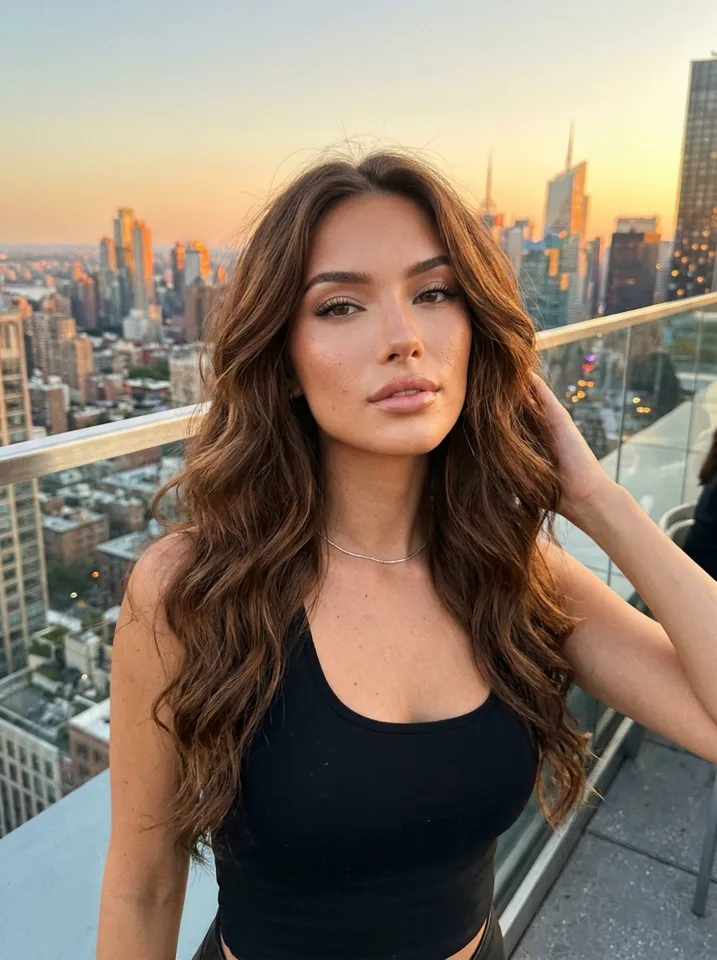
Most AI pictures look too perfect: plastic skin, studio light, a face that changes every time. Real photos look like a phone took them. Yipkin's default look is the phone selfie, with natural light and skin texture, and the face never changes once you pick it.
How it works
Design her
Tap through age, hair, skin and style, then pick a face. Your first model is free.
Pick scenes
Beach, gym, café, mirror, night out. Yipkin writes the prompt for you.
Make photos and clips
New photos in any scene. Turn any photo into a short clip with the same face.
Made on Yipkin
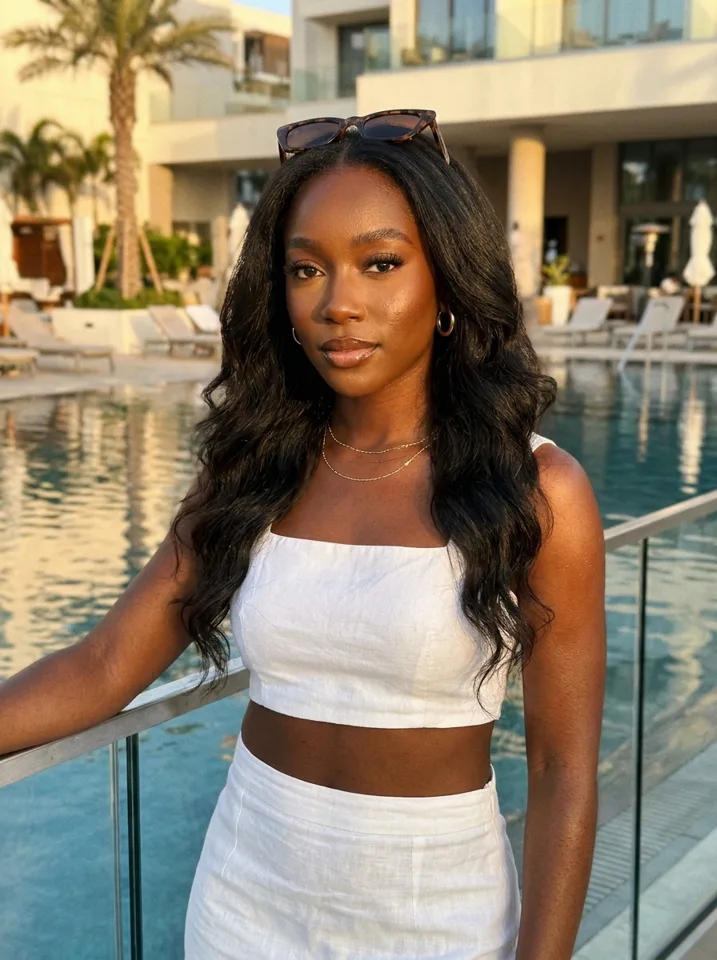
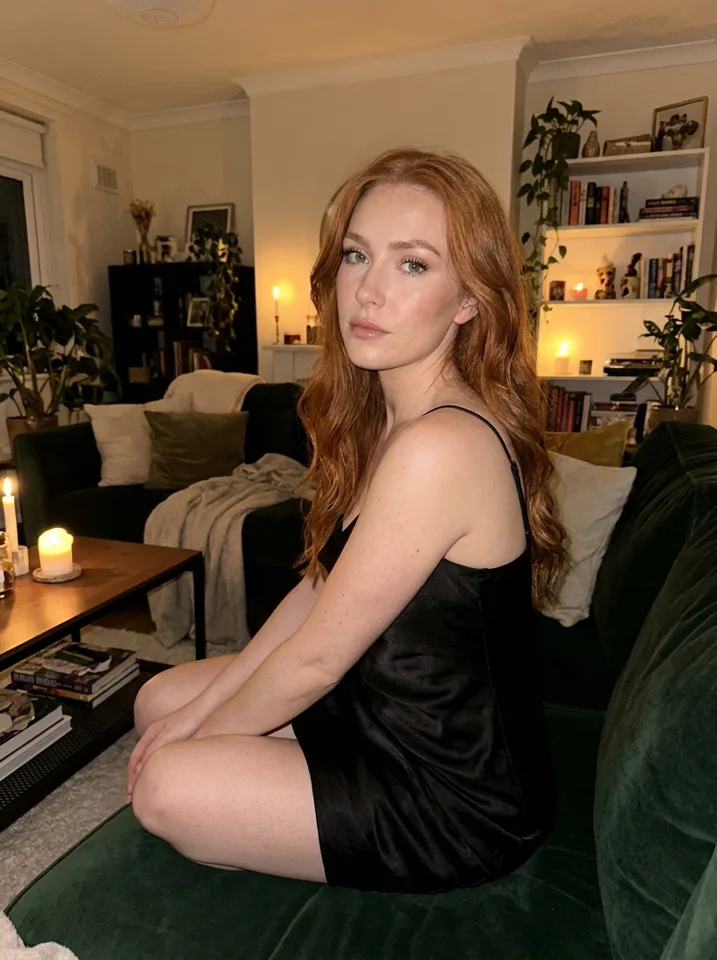
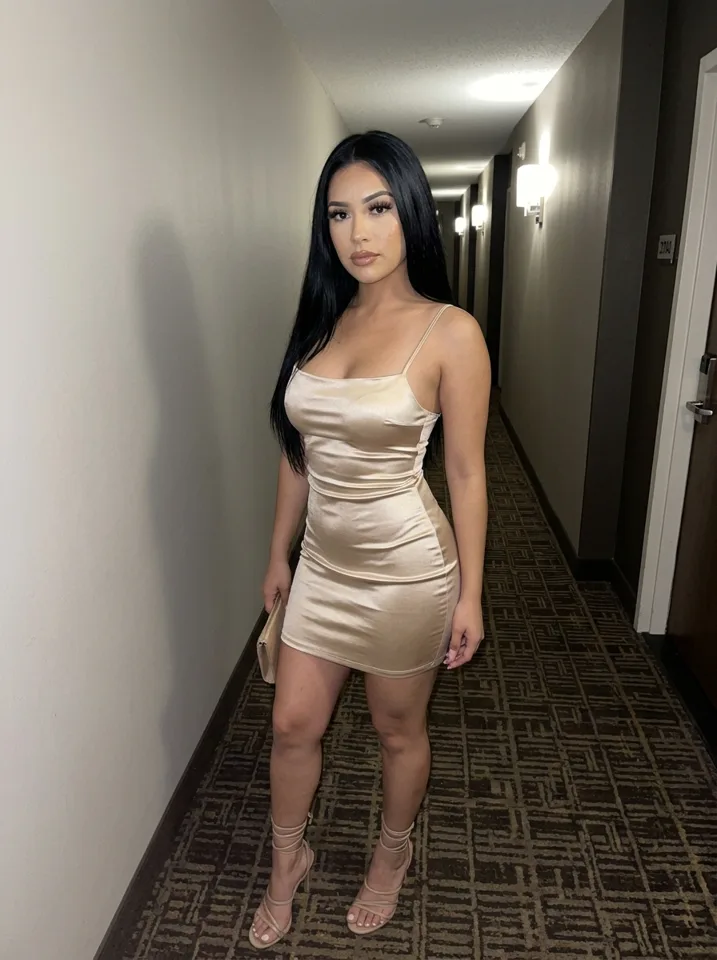
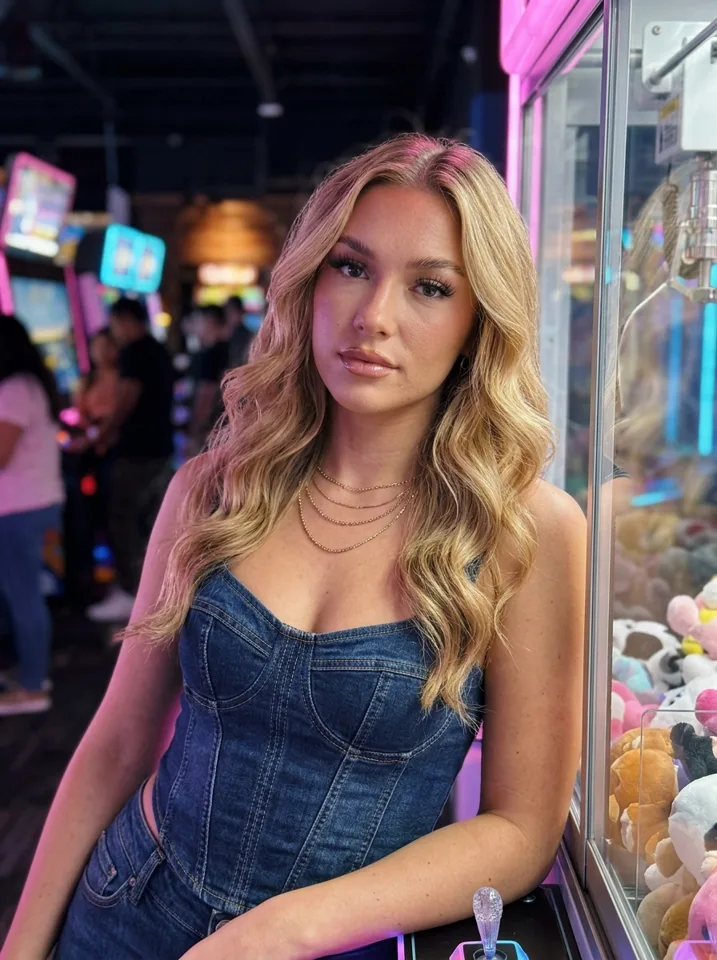
What people use AI models for
Instagram and TikTok pages
A steady flow of posts from one consistent person. See AI Instagram model.
Fan pages
AI creator pages on platforms that allow AI. See AI OFM.
Fashion and product shots
Put your model in outfits and settings without a photo shoot.
Characters for stories
Keep one character the same across a whole series.
AI model generator vs a normal image generator
A normal image generator is built to make one great picture from a prompt. Ask it for the same woman twice and you get two different women. That is fine for one-off art and a problem for a model, because a model is a person people come back to see.
An AI model generator is built around the person. You design her once, then every picture starts from that face. On Yipkin there is nothing to train and no prompt to write: you tap the scene and the face comes with it.
Design choices that matter
Age and build
Pick an adult age and a body type that fits her niche. These stay the same across every picture.
Face
Yipkin shows you faces to pick from. Choose the one you would recognise in a crowd.
Hair and colouring
Hair colour, length and skin tone. You can still change hairstyles scene to scene.
Style
Casual, sporty, glam, streetwear. Style sets the default outfits Yipkin suggests.
Photos and short videos
When you like a picture, turn it into a short clip: a wave, a turn, a laugh. The clip keeps the same face as the photo, so your feed, your stories and your reels all show one person.
If a picture or video fails, the credits go back to your account. You only pay for what is made.
Pricing
You can start free: your first model and 4 pictures cost nothing and need no card. Plans start at $19 a month for a set number of pictures every month, and you see the price of each video before you make it.
AI model generator free: how to try one
Searches like "ai model generator free" and "ai model generator from image" show what people want: a way to test before paying. On Yipkin, a new account gets 4 free pictures with no card, and your first model is free. Yipkin adds no watermark.
Use the free start to answer one question: does she look like the same person each time? If yes, plan the rest. If no, move on to another tool. Either way you spent nothing.
AI model generator for Instagram
A model for Instagram needs a face, a look and a place to be. Design the face once. Then make her in a café, in a gym, on a street. The AI Instagram model guide has a 30-day plan if you want a ready route.
AI model generator for a clothing brand
Brands search for a model to wear their products without booking a shoot. The same idea works here: design one model, then put her in different outfits and settings. Her face stays the same, so a product page or a social feed shows one person.
Keep a few rules in mind. Use only fictional adults or real people who gave permission. Check that a picture shows your garment the way it really looks before you post it. A made picture is not proof of fit or colour.
Build a small brand model in an afternoon
Define the look
Pick an age, build and style that match who buys your products.
Make the face
Choose from the faces Yipkin shows you. Your first model is free.
Make five scenes
Home, street, café, gym, travel. One or two pictures each.
Review side by side
Lay the pictures out together. Cut any that do not look like her.
What to compare between AI model generators
The face over time
Ten pictures in ten places. Is it still her?
The photo style
Phone-camera look or studio render? Social feeds need the first.
The start
Can you try it without a card, and are the pictures free of watermarks?
The billing
Do failed pictures cost you? On Yipkin, failed pictures and videos refund the credits.
Related guides
If you want the long answer on keeping a face steady, read consistent AI character. For a plain guide to the whole idea, see what is an AI influencer.
A short checklist before you pick a generator
Write down the one job you need. A face for a page, a model for a shop or a character for a story? Then test only for that. A tool that is great at one-off art may be poor at keeping a person steady.
An AI model for fashion and product pictures
Lookbooks
One model in every outfit of a collection, so the set reads as one shoot.
Product in use
The same model with your bag, mug or skincare in everyday scenes.
Seasonal sets
A summer street, a winter coat, a holiday dinner, all the same face.
Size and style range
Design more than one model so buyers see themselves in the pictures.
Why the same face matters for a brand
Shoppers notice when the model changes from picture to picture. One steady face makes a product page or a feed look like a real shoot. On Yipkin you design the model once, and every picture after that uses the same face, in any scene and outfit you tap.
Before you use an AI model for a brand
- Say it is AI where it matters See the AI label rules for each platform.
- Keep the product true Show the product as it really is. A picture that changes the product misleads buyers.
- Fictional adults only Famous people and anyone who may be under 18 are refused.
Questions
Do I have to write prompts?
No. You tap what you want and Yipkin writes the prompt for you. You can still type your own if you like.
Will the face stay the same?
Yes. You pick one face when you design your influencer, and every picture and video after that uses it, in any scene.
Is it free to start?
Yes. A new account gets 4 free pictures with no card, and your first influencer is free on top. Paid plans start at $19 a month.
What if a picture or video fails?
You get the credits back. You only pay for pictures and videos that are made.
Does Yipkin make NSFW content?
No. Yipkin makes safe-for-work pictures and videos only: the everyday posts for Instagram, TikTok and the free feed of a page.
Can I make a real person?
Only with their permission, and only if they are 18 or older. Famous people and anyone who may be under 18 are refused.
Can I use one model for many outfits?
Yes. Design her once, then tap any outfit and scene. The face stays the same.
Do I need to train the AI on my model?
No. You pick a face and Yipkin uses it from the first picture. There is no training step.
Can I make more than one model?
Yes, on a paid plan. Each model keeps her own face.
Is there a free AI model generator?
Yes. A new Yipkin account gets 4 free pictures with no card, and your first model is free. Paid plans start at $19 a month.
Can I make an AI model from an image?
Yipkin builds from your taps, not a source photo. A real person can be used only with their permission and only if they are 18 or older. Famous people are refused.
Is it an AI model generator for Instagram?
Yes. You make the pictures and short clips in Yipkin, then post them yourself on Instagram or TikTok.
How many pictures do I get on a paid plan?
Starter is $19 a month for about 55 pictures. Creator is $49 for about 150. Studio is $129 for about 415.
Can I use an AI model for product pictures?
Yes. Design one model and make her in each outfit or with each product, in any everyday scene. Keep the product shown as it really is.