 Yipkin
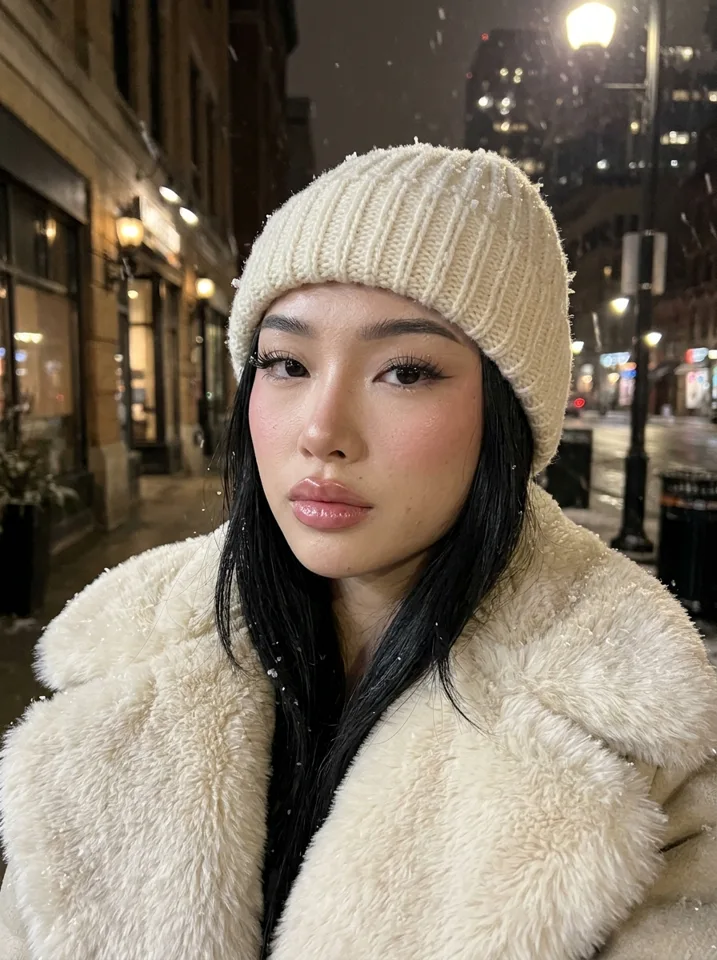
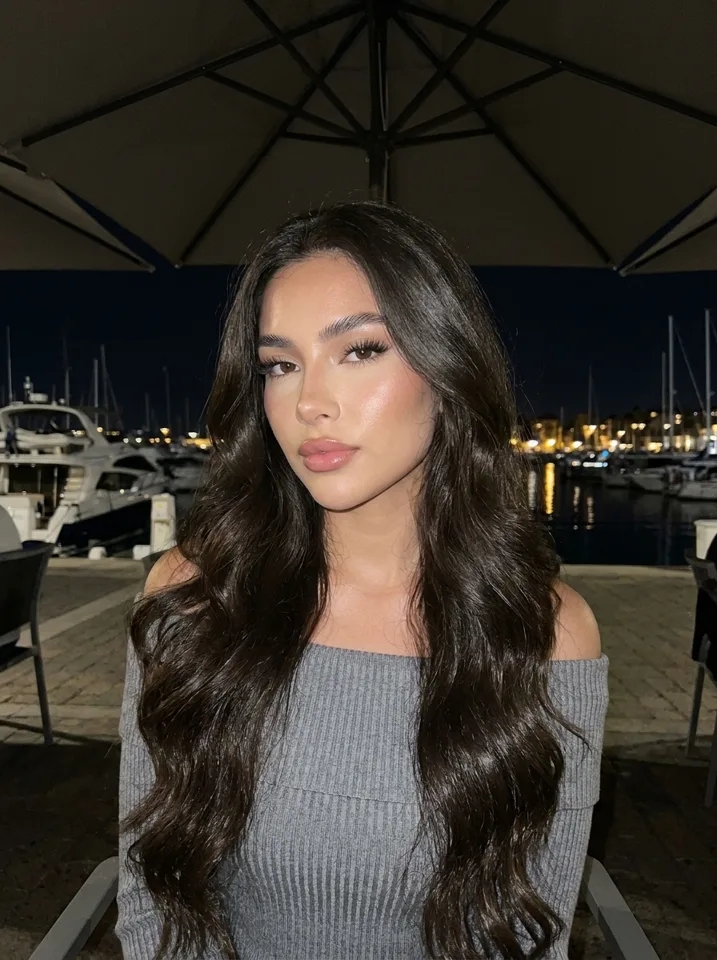
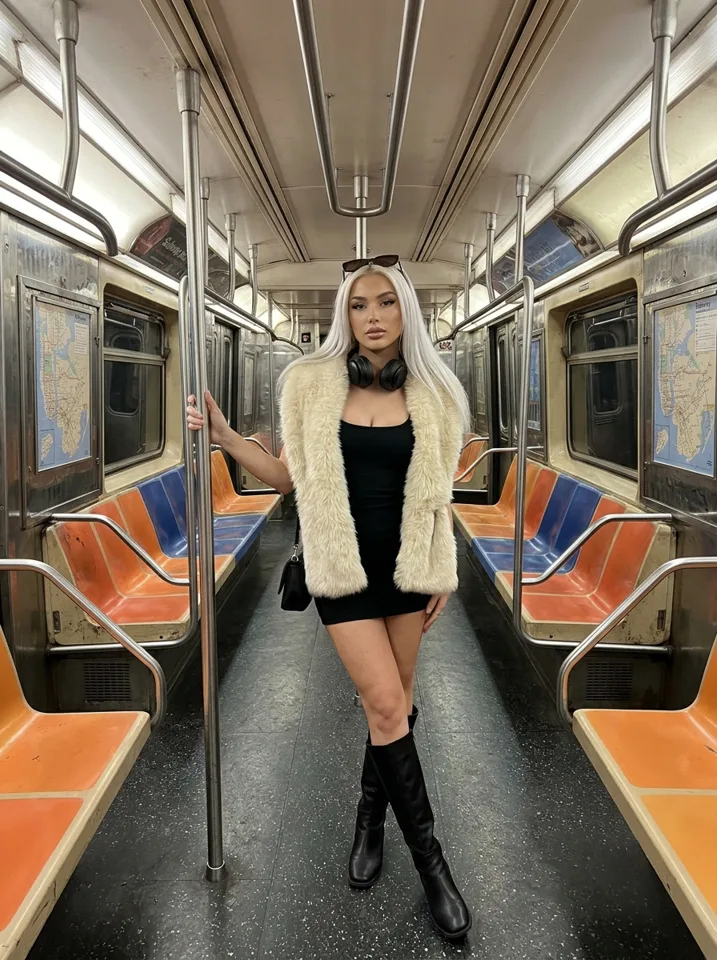
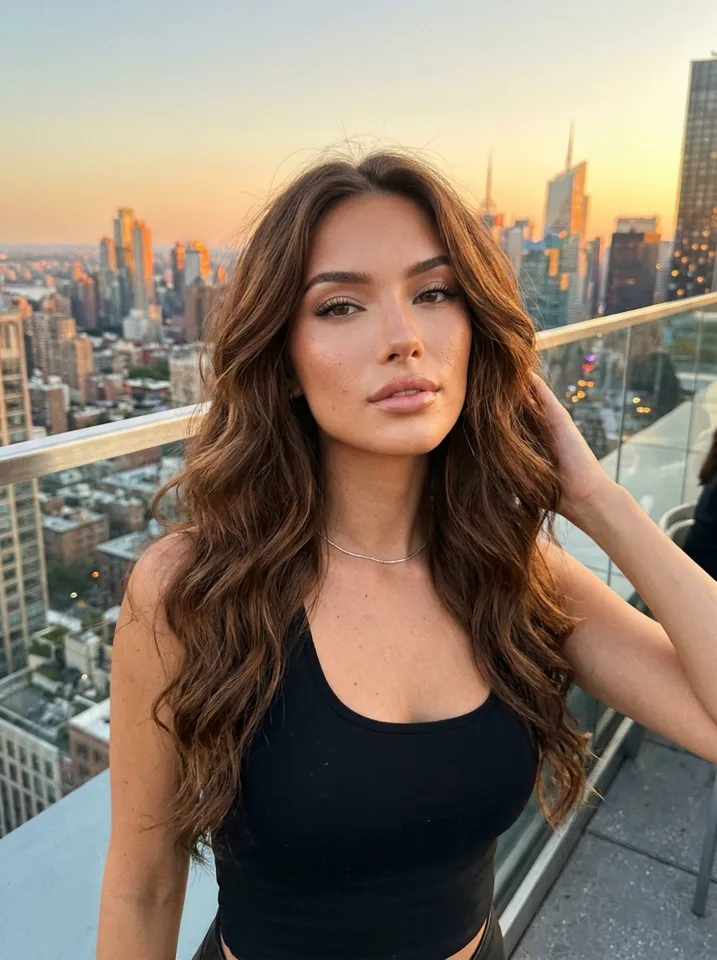
A consistent AI character. Same face in every image.
Most AI image tools give you a new person every time you press generate. Yipkin locks one face per character, so picture one hundred still looks like picture one.
4 free pictures to start. No card.
Why AI faces drift
An image model does not remember who it drew last time. Each picture starts from your words, and words like "blonde woman, 25, blue eyes" fit millions of faces. So the jaw changes, the eyes change, the age changes. The usual fixes are hard: training your own model, writing very long prompts, or re-rolling until one looks close.
How Yipkin keeps the face
You pick one face
Design your character and choose the face you like. That face is saved to the character.
Yipkin builds a reference
It makes a full reference of her face and body once, behind the scenes.
Every picture uses it
Each new photo and video is made from that reference, in any scene, outfit or light.
Same characters, different scenes
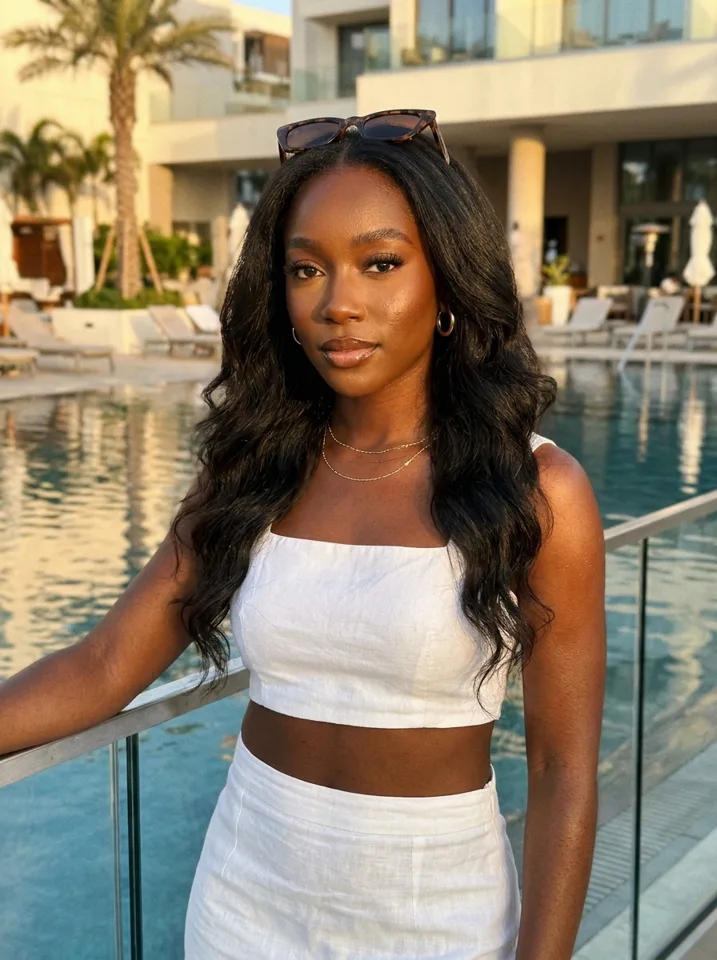
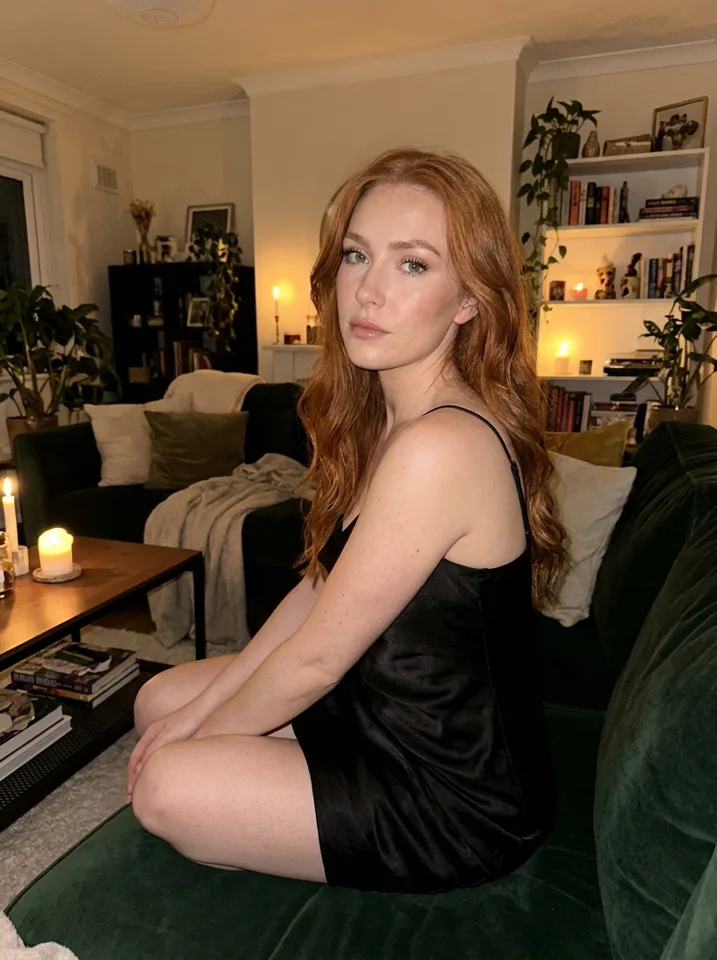
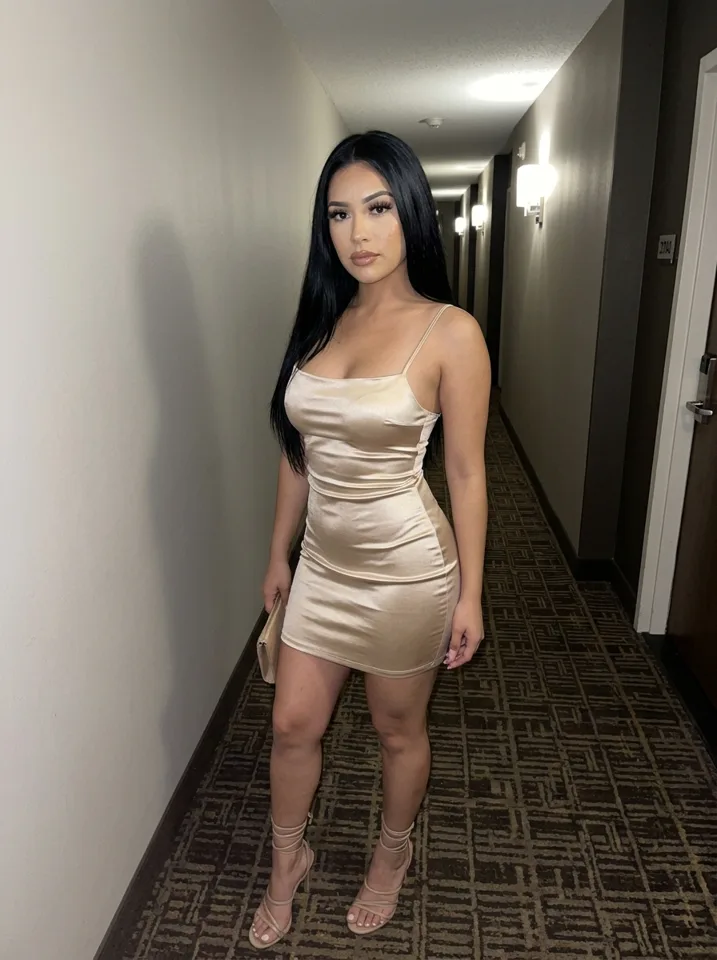
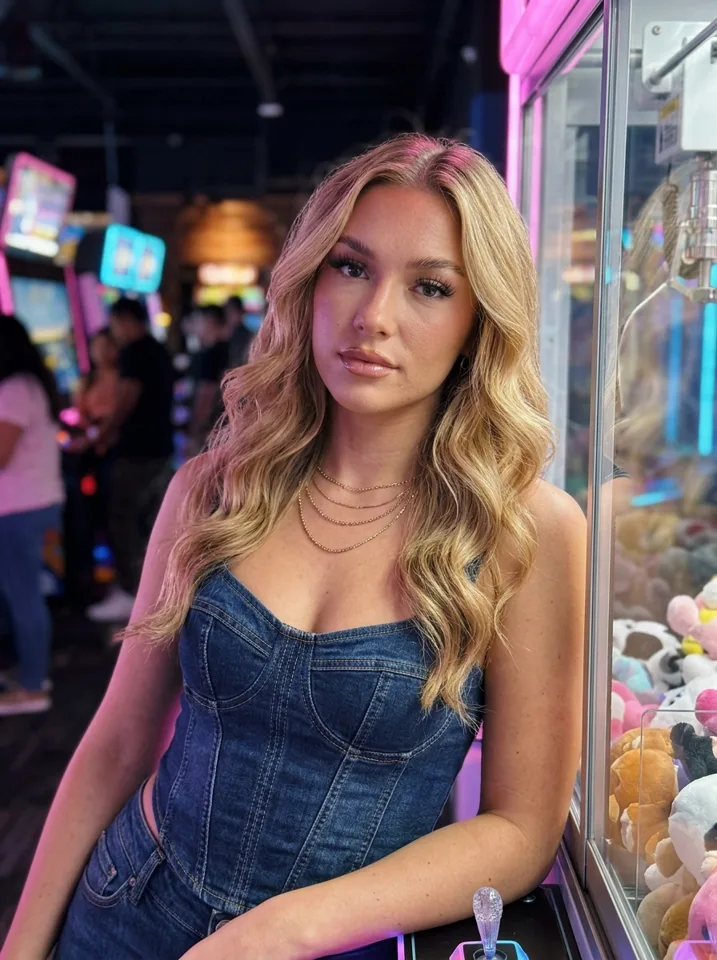
Good to know
Any scene
Beach, gym, restaurant, coffee shop, city street. The face stays, the world changes.
Photos and video
Short clips start from a photo, so the face carries into the video.
Many characters
Make several characters, each with their own locked face. Your first one is free.
No training
No uploads of 20 photos and no waiting for a model to train.
Why AI faces drift
Image models do not remember people. Every picture starts from noise and a description, so "brown hair, green eyes, 25" gives you a new 25-year-old with brown hair and green eyes each time. Small things move first: the nose, the jaw, the space between the eyes. After ten pictures she is a cousin, not the same person.
The fix is to stop describing the face and start showing it. A consistent-character tool keeps one fixed face and hands it to the model with every picture.
Ways people try to keep a face
| Method | How it works | The catch |
|---|---|---|
| Same prompt every time | Reuse a long description | The face still changes |
| Seed locking | Reuse the same random seed | Breaks when the scene changes |
| Training a model | Train on many pictures of her | Takes time and credits before you start |
| Face reference (Yipkin) | One fixed face goes into every picture | You choose the face carefully once |
Yipkin uses a face reference, so there is nothing to train.
How to test any tool in 5 minutes
- Make one face.
- Make 10 pictures in 10 different places and lights.
- Put picture 1 and picture 10 side by side.
- Ask a friend if it is the same person. If they hesitate, the tool drifts.
You can run this test on Yipkin for free: 4 pictures and your first character cost nothing.
Consistent AI character generator free
People often search for a consistent AI character generator that costs nothing. On Yipkin, a new account gets 4 free pictures with no card, and your first character is free. There is no watermark. That is enough to run the five-minute test on your own.
More characters cost about one and a half pictures each from your plan, so a small test set of characters is cheap.
Consistent character from a single image
Another common search is for a consistent character from one image. The idea is sound: one fixed face is easier to keep than a long description. On Yipkin you pick the face from options and the tool saves it. You do not upload twenty photos, and you do not wait for a model to train.
If you want a real person as the source, that person must give permission and be 18 or older. Famous people are refused.
Consistent AI character in any pose
Standing and walking
Full-length pictures on a street or in a hallway. The face and build match the close-ups.
Sitting
Café tables, car seats, sofas. Check that the face still reads the same at a different angle.
Close-ups
Mirror selfies and arm's-length shots. These are the easiest place to spot a drifting face.
In motion
A short clip of a wave, a turn or a laugh. The clip starts from a picture, so the face carries over.
Consistent character for video
A face that holds in pictures can still break in video. The safest route is to make the video from a picture of the character, not from a text description. That is how Yipkin works: the clip starts from a picture you already approved. Short clips come out of the same plan as pictures, and you see the price before you make one. See AI influencer video generator for more.
A checklist before you trust any consistent-character tool
Same lighting twice
Make two pictures in the same room. They should look like one person.
Different lighting
Try warm evening light and harsh noon sun. The face must hold.
A new hairstyle
Change hair length or colour. Does she still look like her?
A close-up and a full-length shot
Face and body should both match the earlier set.
A short clip
Make one video. Pause it next to the picture it came from.
Where this fits
A steady face is the base of every page. The AI influencer generator page shows the whole process. The AI model generator page covers the look and the settings.
Consistent AI character reddit questions, answered plainly
A lot of searches end with a forum name, because people want to hear from others who tried it. The questions repeat. Does it need ComfyUI? Does it need a LoRA? Does it break on video? On Yipkin the answers are no, no and no. You pick a face, the face is saved, and each picture or clip starts from it.
That does not mean every hard case is solved. Extreme angles, heavy shadows and very busy scenes can still produce a picture where she looks a little off. When that happens, make another. If a picture fails outright, the credits come back.
Best consistent AI character tools: how to judge them yourself
Skip the rankings. Use your own test.
- Same prompt, twice. Does the tool give the same person?
- A new place. Does she survive a change of scene?
- A new outfit. Does the face stay while the clothes change?
- A short clip. Does the face in the video match the picture?
Questions
Do I have to write prompts?
No. You tap what you want and Yipkin writes the prompt for you. You can still type your own if you like.
Will the face stay the same?
Yes. You pick one face when you design your influencer, and every picture and video after that uses it, in any scene.
Is it free to start?
Yes. A new account gets 4 free pictures with no card, and your first influencer is free on top. Paid plans start at $19 a month.
What if a picture or video fails?
You get the credits back. You only pay for pictures and videos that are made.
Do I need to train a model?
No. You pick a face and Yipkin keeps it. There is nothing to train.
Does the face stay the same in videos too?
Yes. A Yipkin clip starts from your picture, so the face in the clip matches the photo.
Is there a free consistent AI character generator?
Yes. A new Yipkin account gets 4 free pictures with no card, and your first character is free.
Can I make a consistent character from one image?
You pick a face from options and Yipkin saves it. A real person can be used only with their permission and only if they are 18 or older.
Can I keep a character consistent in any pose?
Yes. The face stays the same across scenes. Check any new pose with a close-up next to an older picture.
What does a second character cost?
Each new influencer after the first costs about one and a half pictures from your plan.
Do I need ComfyUI or a LoRA to keep a face?
Not on Yipkin. You pick a face by tapping and it is saved. Nothing to install and nothing to train.