 Yipkin
AI OFM, made simple.
AI OFM means running a creator page for a model who is made with AI. The whole business depends on one thing: she has to look like the same person in every single post.
4 free pictures to start. No card.
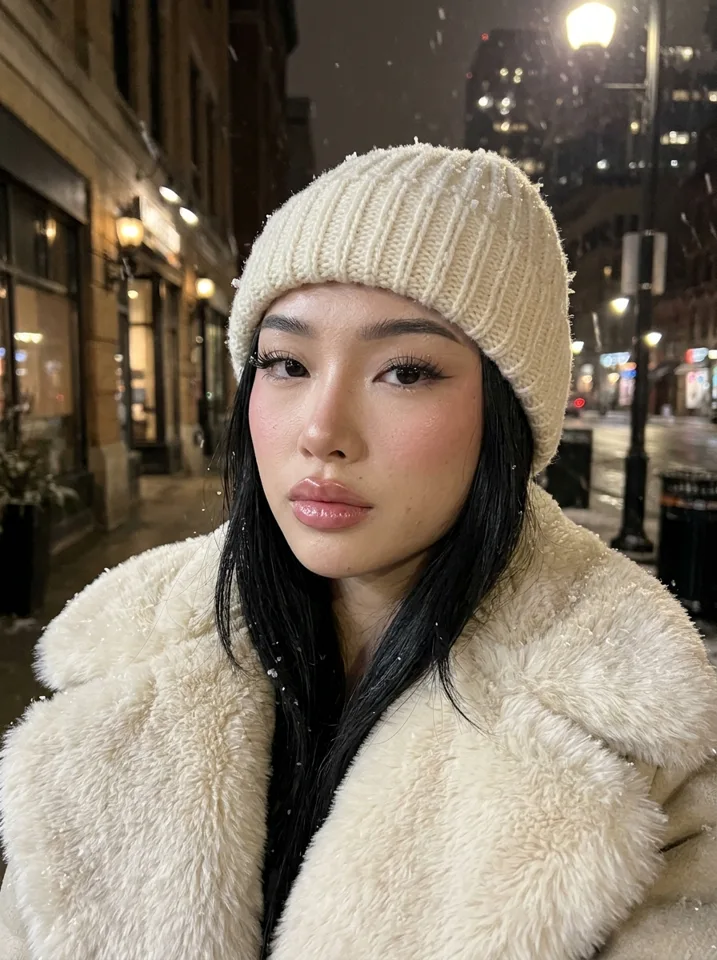
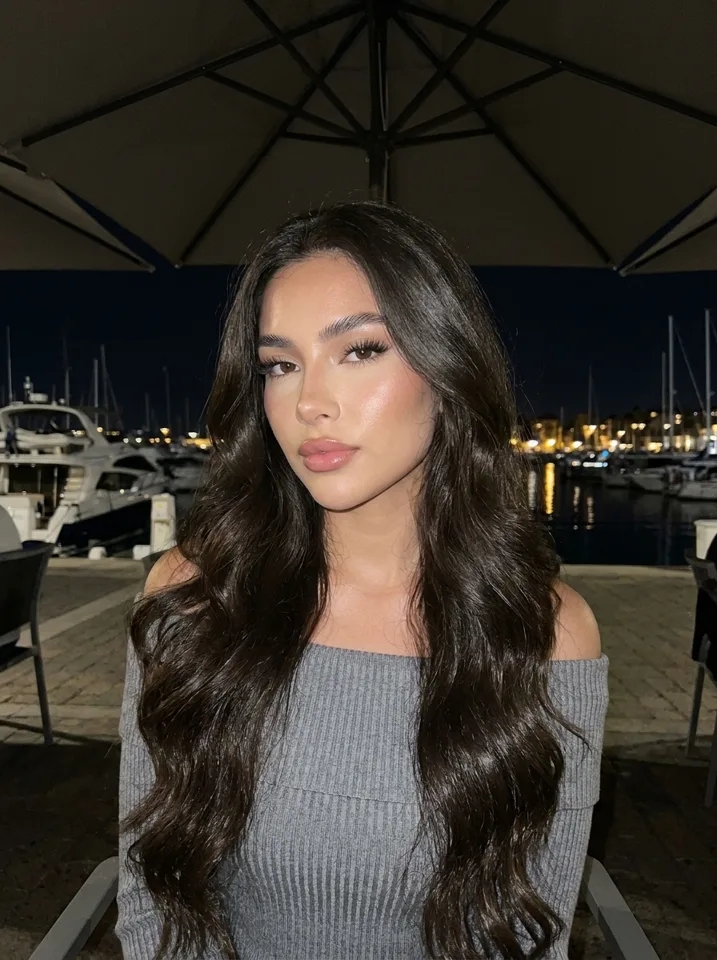
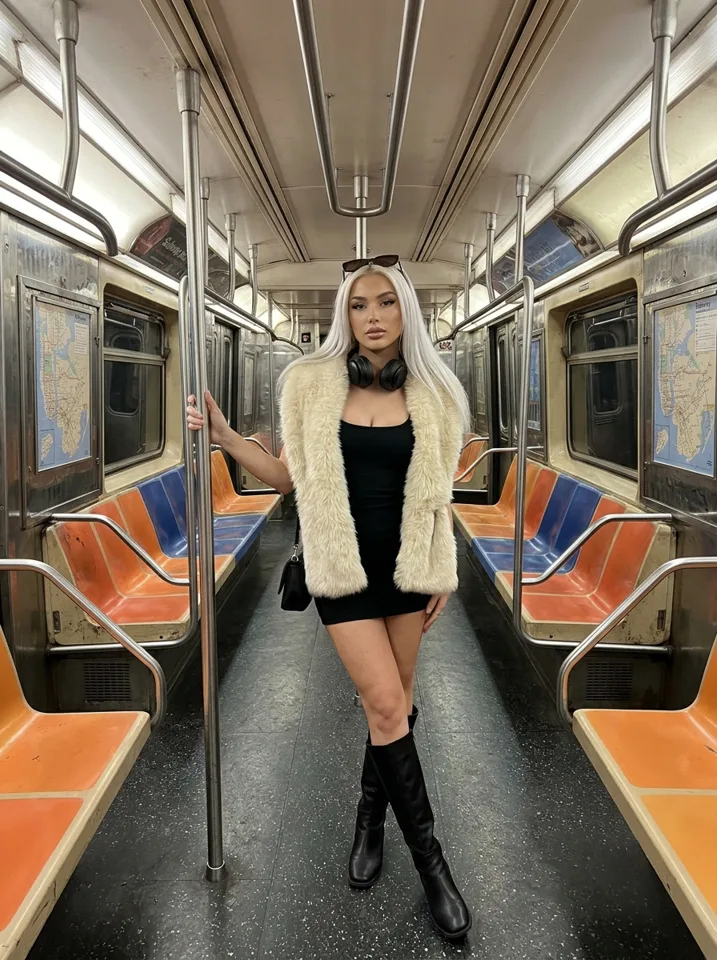
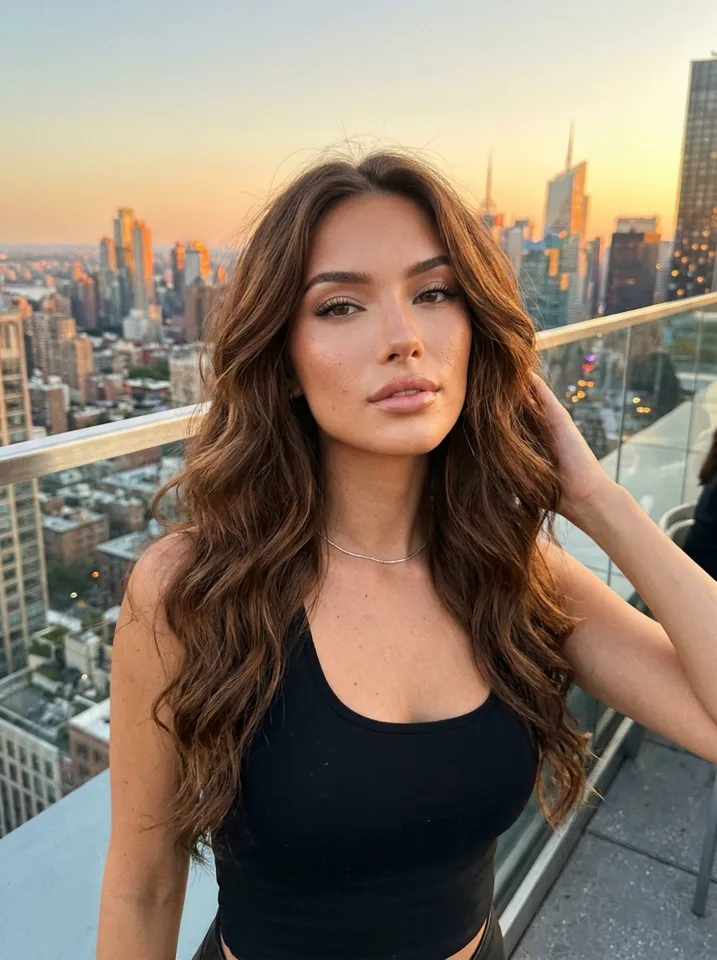
What AI OFM means
OFM started as "OnlyFans management": agencies that run creator pages and write the posts. AI OFM is the same work with one change. The model is not a real person. She is a fictional adult made with AI, and the operator makes all of her photos and videos.
That removes the hardest part of the old model, finding and keeping a creator. It adds a new hard part: making hundreds of photos that look like the same woman. If her face changes from post to post, followers stop believing in her and the page stalls.
The AI OFM workflow, step by step
Create the model
Design her face and body once: age, hair, skin, style. On Yipkin this takes a few taps and the first one is free.
Build her feed
Make a few dozen photos in everyday scenes: coffee, gym, beach, a night out. Same face in every one.
Grow on social
Post daily on Instagram, TikTok, Threads or X to send people to her page. Short video clips help reach.
Sell on a fan platform
Send followers to a platform that allows AI creators. Yipkin connects to Fanvue.
AI models made on Yipkin
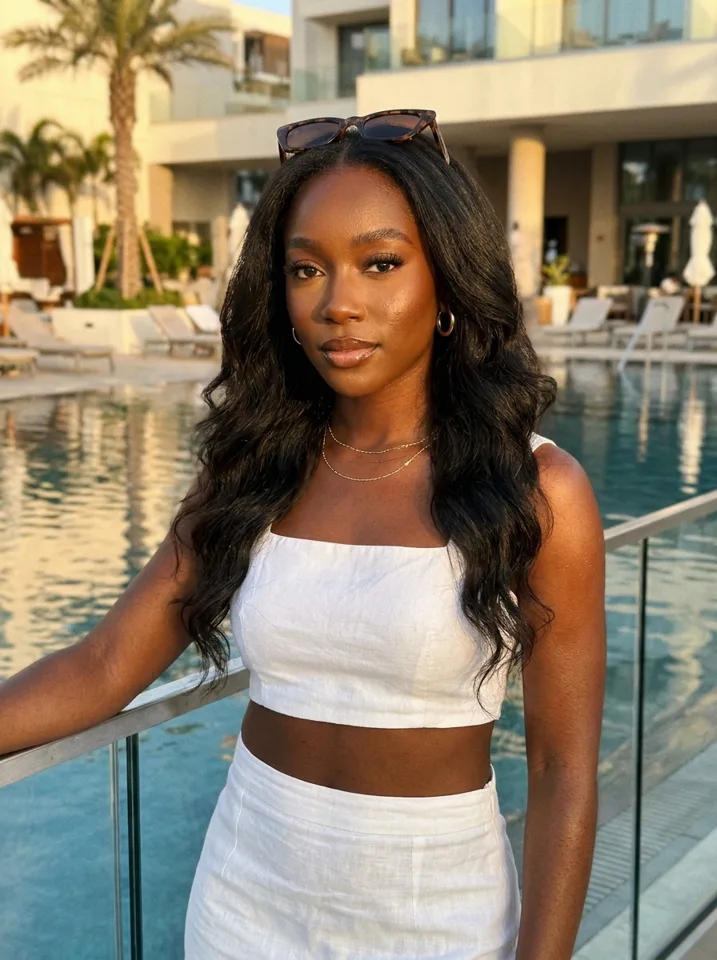
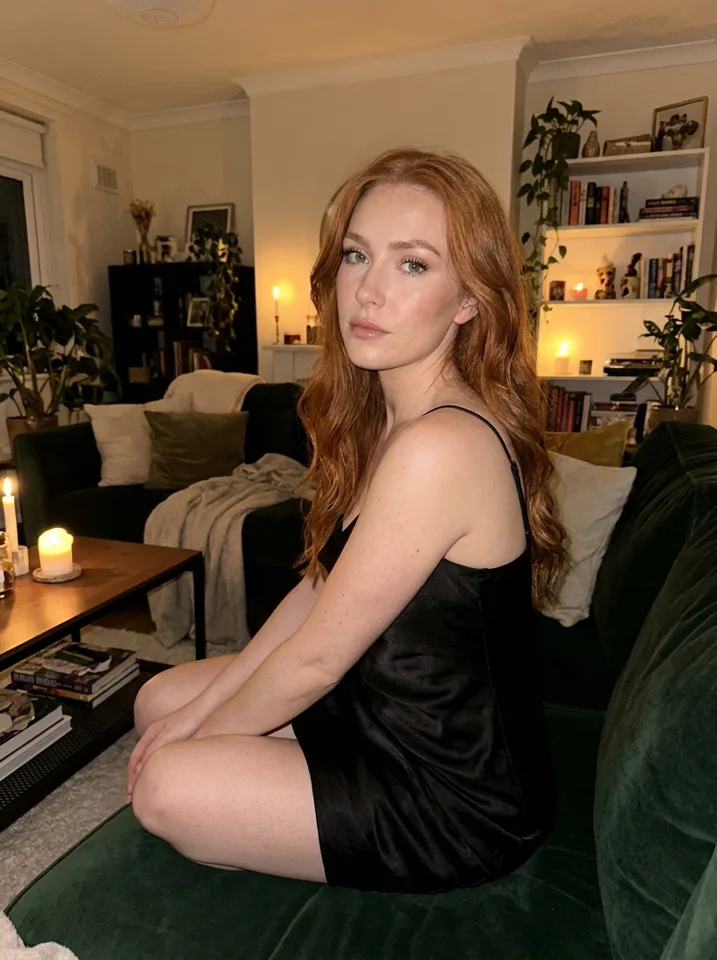
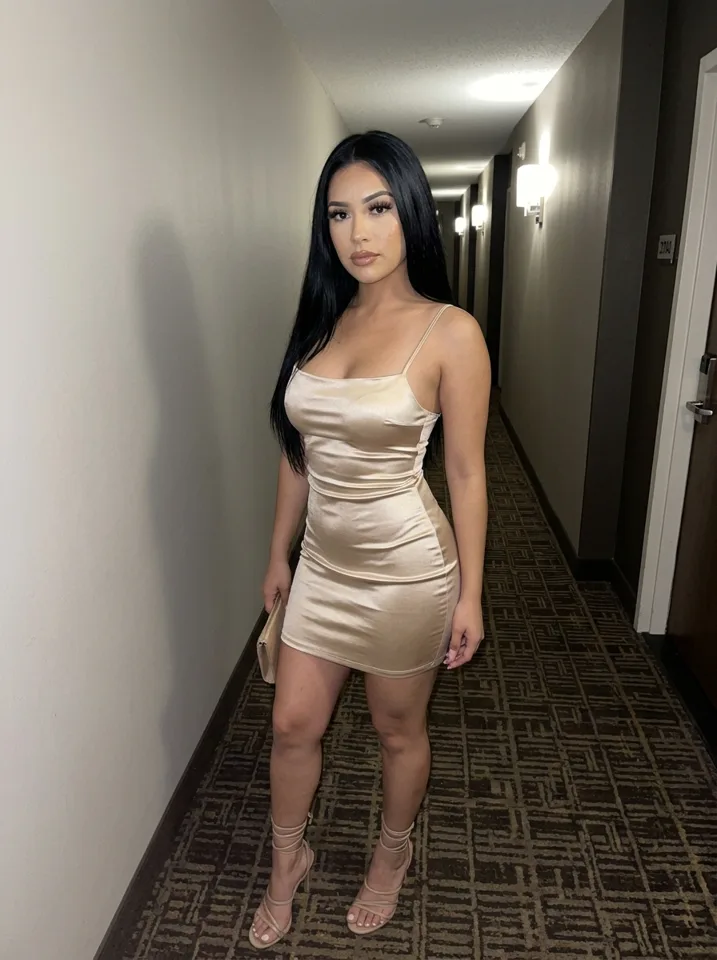
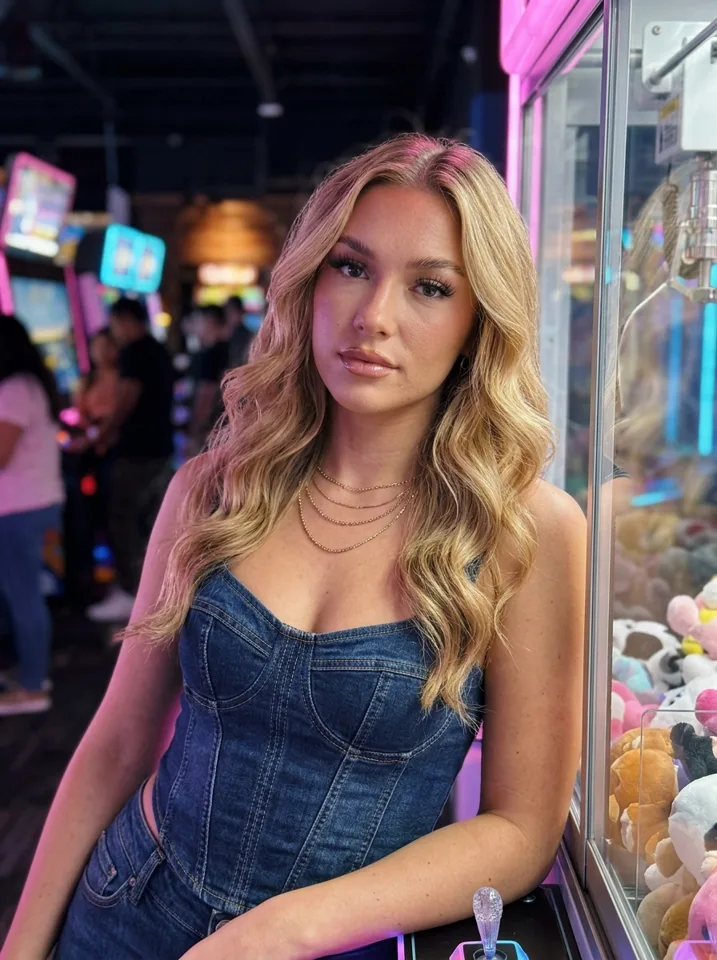
What makes an AI model look real
One face, locked
Every picture uses the face you picked. This is the part most image tools get wrong.
Phone-camera photos
Real creators post selfies and mirror shots, not studio renders. Yipkin's default look is a phone photo.
Everyday places
Living rooms, kitchens, cafes, cars, streets. Ordinary scenes make her feel like a real person.
Video, not just photos
Short clips of her waving, turning or smiling are what people believe most.
Rules to follow
Yipkin makes safe-for-work content only. That means the everyday selfies, outfits and short clips you post on Instagram, TikTok and the free feed of your page to bring people in. No nudity and no adult content.
Every Yipkin model is a fictional adult. You cannot make a real person without their permission, and anyone who may be under 18 is refused. Each social network and fan platform has its own rules for AI content, so read them before you post and label AI content where they ask. Fanvue's own help center says AI-generated content is allowed, as long as you disclose it is AI. That is why Yipkin built a Fanvue sign-in.
What it costs
You can start free: 4 pictures, no card, and your first model is free. Paid plans start at $19 a month, and you see the price of each clip before you make it. Failed pictures and videos give your credits back.
AI OFM guide: a plain overview
Search results for AI OFM are full of courses, communities and accounts for sale. This page does none of that. It explains the idea and shows how the content side works, so you can judge it yourself.
The work has three jobs. One is making the model: a face, a look and a story. Another is making content: pictures and short clips of her. The third is running the page: posting, captions and replies. Yipkin covers the first two. You and your own judgement cover the third.
An AI OFM content week
Monday: plan seven scenes
Write seven places on a list. Home, gym, café, street, car, travel, night out.
Tuesday: make the pictures
One or two per scene, all in one sitting. The face stays the same.
Wednesday: pick the best
Cut anything where she looks off. Keep the strongest nine or ten.
Thursday: make two clips
Turn two of the best pictures into short videos. You see the price before you make one.
Friday: write captions
One short line each. Make them sound like one person.
Weekend: schedule
Load the week into your scheduler and leave it.
Tools for AI OFM: what to ask of each one
A lot of AI OFM talk is about workflows with many parts. You can do a lot with fewer.
- Face tool. Does it keep one face? That is the base of the whole page.
- Video tool. Can the same face move in a short clip?
- Scheduler. Pick any tool that posts for you on the networks you use.
- Notes file. Keep her name, city, job and voice in one place so every caption fits.
AI OFM without ComfyUI
Some people build their model with ComfyUI workflows, LoRAs and datasets. That route works but takes hours of setup and a strong computer. Yipkin gives you the same result by tapping. You pick the face, pick a scene and the picture comes back with her in it. There is nothing to train and nothing to install. It runs in a web browser on a phone or computer.
Keep the social side safe-for-work
The pictures that bring people in on Instagram and TikTok are everyday ones: a coffee, a gym mirror, a trip. Yipkin makes only safe-for-work content, and every influencer is a fictional adult. For the platform side, read the AI OnlyFans model page, which covers the rules to check first.
More to read
If you want the face side in depth, see consistent AI character. If you want to compare what Yipkin costs against a first test, the AI influencer cost page lays out the plans.
Common AI OFM mistakes
Starting with the platform, not the face
A page lives or dies on whether she looks like one person. Fix that first.
Buying a course before a test
Test the tool free. A new Yipkin account gets 4 free pictures with no card.
Skipping the rules
Every network and fan platform has current terms. Read them before you build.
Posting in bursts
A steady daily post beats ten posts and a month of silence.
Questions
What does OFM stand for?
OFM usually means OnlyFans management: running creator pages for someone else. AI OFM is running a page for a model made with AI.
Do I need to know how to write prompts?
No. On Yipkin you tap what you want and it writes the prompt for you.
Will my AI model look the same in every post?
Yes. You pick her face once and every picture and video uses it.
Which fan platforms allow AI models?
Rules differ by platform and change over time, so check each one's current policy. Fanvue supports AI creators, and Yipkin has a Fanvue sign-in.
Can I make videos of my AI model?
Yes. Turn any photo into a short clip with the same face. You see the price before you make it.
Is it free to start?
Yes. A new account gets 4 free pictures with no card, and your first influencer is free on top. Paid plans start at $19 a month.
What if a picture or video fails?
You get the credits back. You only pay for pictures and videos that are made.
Is there an AI OFM app?
Yipkin runs in a web browser on your phone or computer. There is no app-store app, and nothing to install.
Do I need ComfyUI for AI OFM?
Not on Yipkin. You tap to design the face and the scene, and no workflow or training is needed.
How many plans does Yipkin have?
Three paid plans. Starter is $19 a month, Creator is $49 and Studio is $129. Yearly billing is 20% off.
Can I make more than one model?
Yes. Each new influencer after the first costs about one and a half pictures from your plan.
Can I run several AI models at once?
Yes. Each influencer keeps her own face. Plan your monthly pictures first, because every new influencer after the first costs about one and a half pictures.